Python. A Survival Guide for Social Researchers
Topic outline
-
-

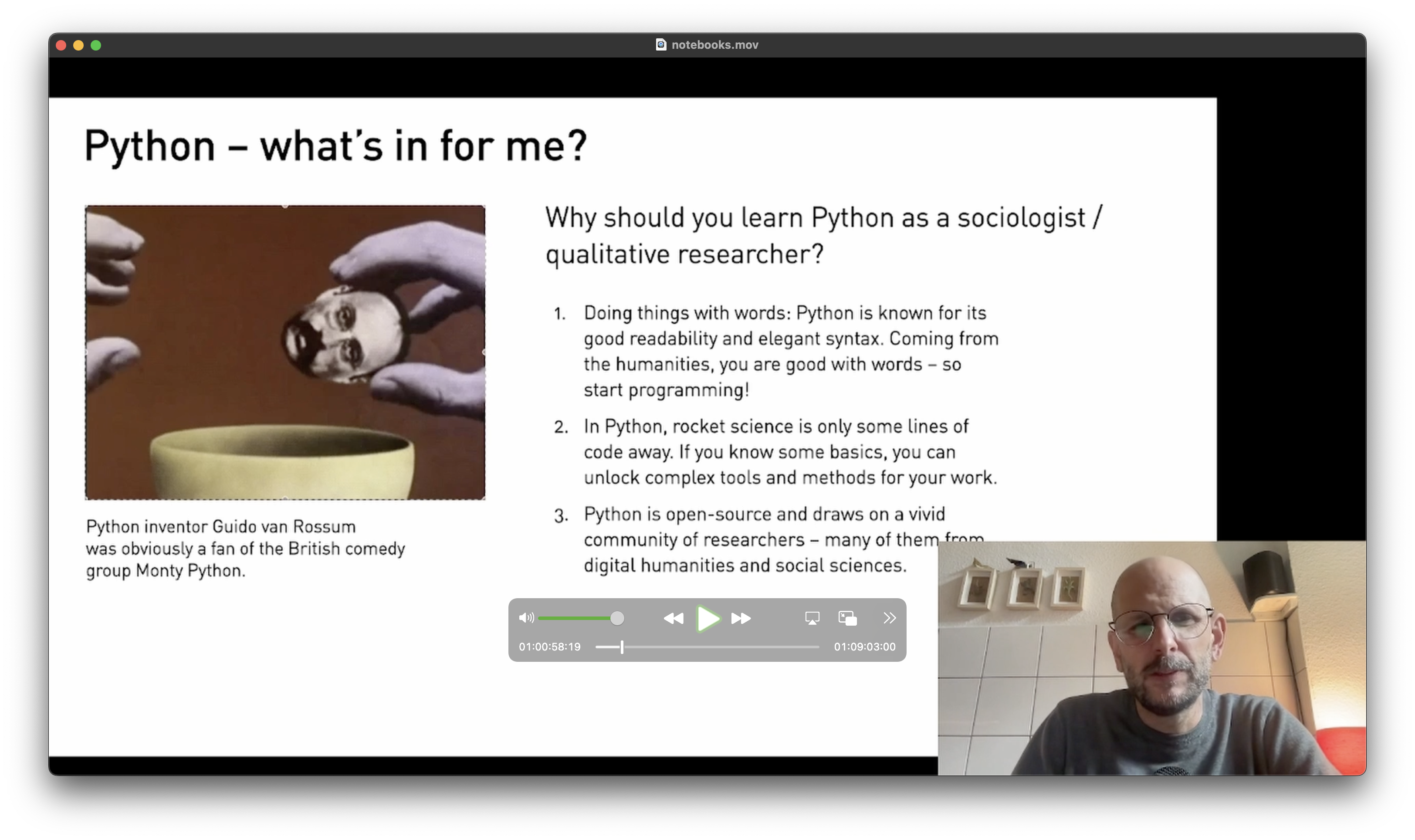
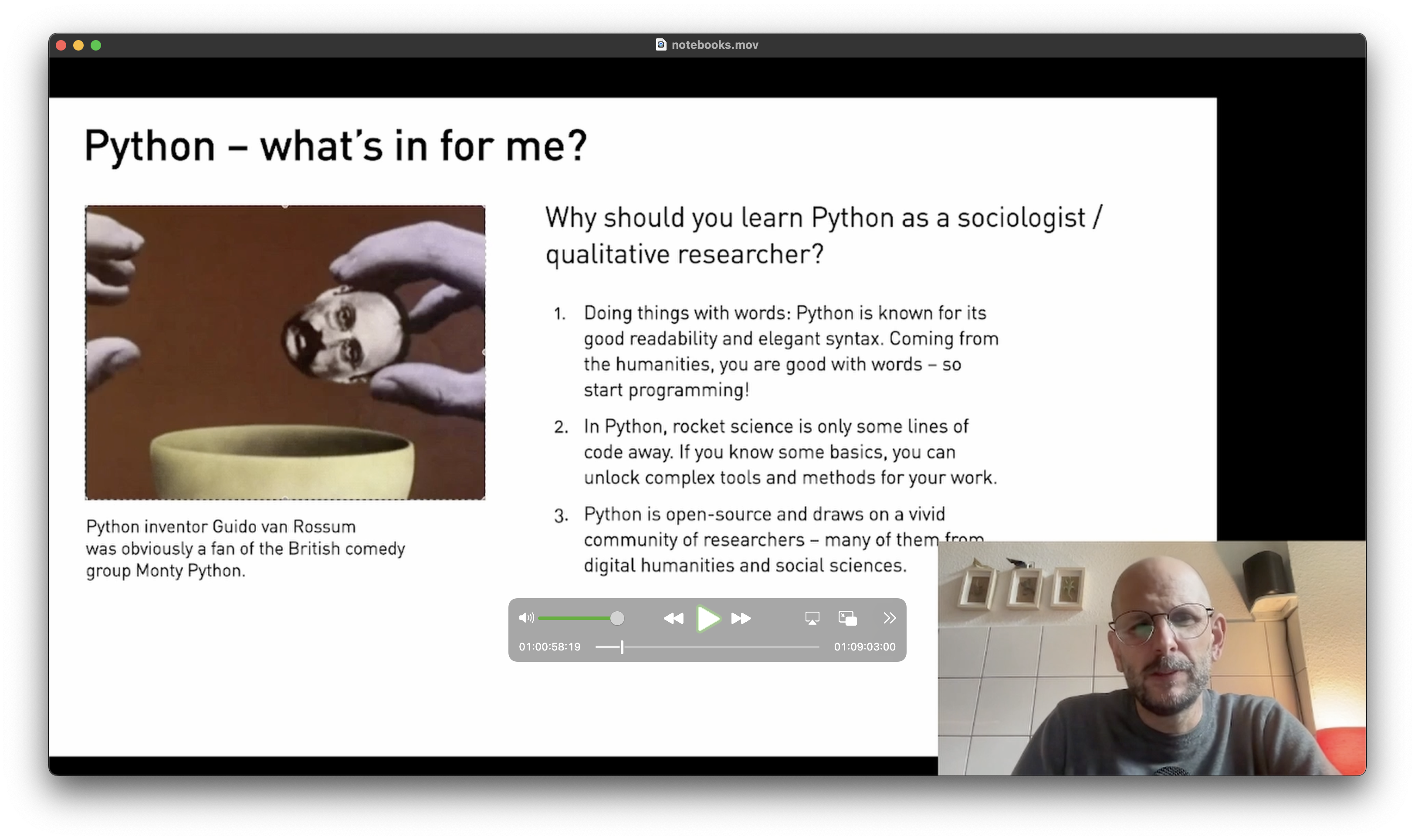
Python inventor Guido van Rossum
was obviously a fan of the British comedy
group Monty Python.Dear Participants,
In the age of Big Data, analyzing huge text corpora has become an increasingly important task for researchers in social science and cultural studies. The emergence of 'Big Qual’ (Brower et al., 2019) comes with new tools and methods, propelling empirical research and theory development. Python is an emerging programming language, and that is not only because of its cool name: Driven by a vivid research community, Python provides a powerful toolset for handling tasks like machine learning, wrangling large text corpora, or creating interactive visualizations.
This course offers an introduction to Python tailored to the needs and interests of qualitative research. With the absolute beginner in mind, the main objective is to address programming essentials and develop a ’Pythonic’ way of thinking. However, in Python, sophisticated tools are only a few lines of code away. So, from day one, we will tap into advanced methods to help us with our research: Opening large text corpora into a data frame with Pandas, Analyzing Sentiments and Position of Speech with flair, and Performing Topic Modeling with BerTopic. Participants will receive further practices and customizable notebooks to aid their research.
Happy coding,
Sebastian Pranz
PS: If you want to use code from working examples, take a look at the 'Annotated Projects’ section below where you find more complex programs with guiding comments.
-
-
🚀 Video Introduction (9 Minutes)
This section discusses the implications of using Python to analyze Big (qualitative) Data for social research. We also set up our working environment using a Jupyter Notebook on Google Colab.
Keywords: .py, .ipynb, notebooks, markdown
🧨 Application (10 Minutes)
In the application, we build a simple notebook, including code and formated text (markdown)
🥣 Ingredients:
- You can use Google Colab for coding online
- If you want to write code on your Computer, you need to download Python and a code editor of your choice. Anaconda/Juypter is straightforward, visual studio code more complex.
🍒 Further Food For Thought
If you want to learn more about using Python in the digital humanities, here are some resources:
- Dave Mattingly's excellent youTube channel Python for the Humanities features a very good introduction to the topic and includes many hands-on videos for methods and approaches in the DH.
-Rob Mulla is a data scientist who focuses on using Python for big data. I especially recommend his introduction to using Pandas. (youtube: Rob Mulla) -
32907 tweets, ranging from 2010 to 2023.
Sources:
https://www.kaggle.com/datasets/gpreda/elon-musk-tweets
own scraping4.8 MB -
26311 tweets, scraped from X with the following query:
"#KAMALAHARRIS", "#DonaldTrump", "#Trump2024", "#HARRISWALZ2024"
September 12 – November 305.6 MB -
8772 tweets scraped from X on the following keywords:
"#prochoice", "#prolife", "#mybodymychoice", "#abortion", "#familyvalues","#RightToLife","#ReproductiveRights", "#WomensHealth", "#abortiondebate", "#WomansRightToChoose"
November 1 to November 62.0 MB
-
-
-
🚀 Video Introduction (6 Minutes)
In this lection, we will take a look at the very basics of writing Python: Variables.
Think of a variable as a box that can store different items. What you can do with a variable largely depends on its content: Numbers strings of letter, lists.
Keywords: variables, len(), split()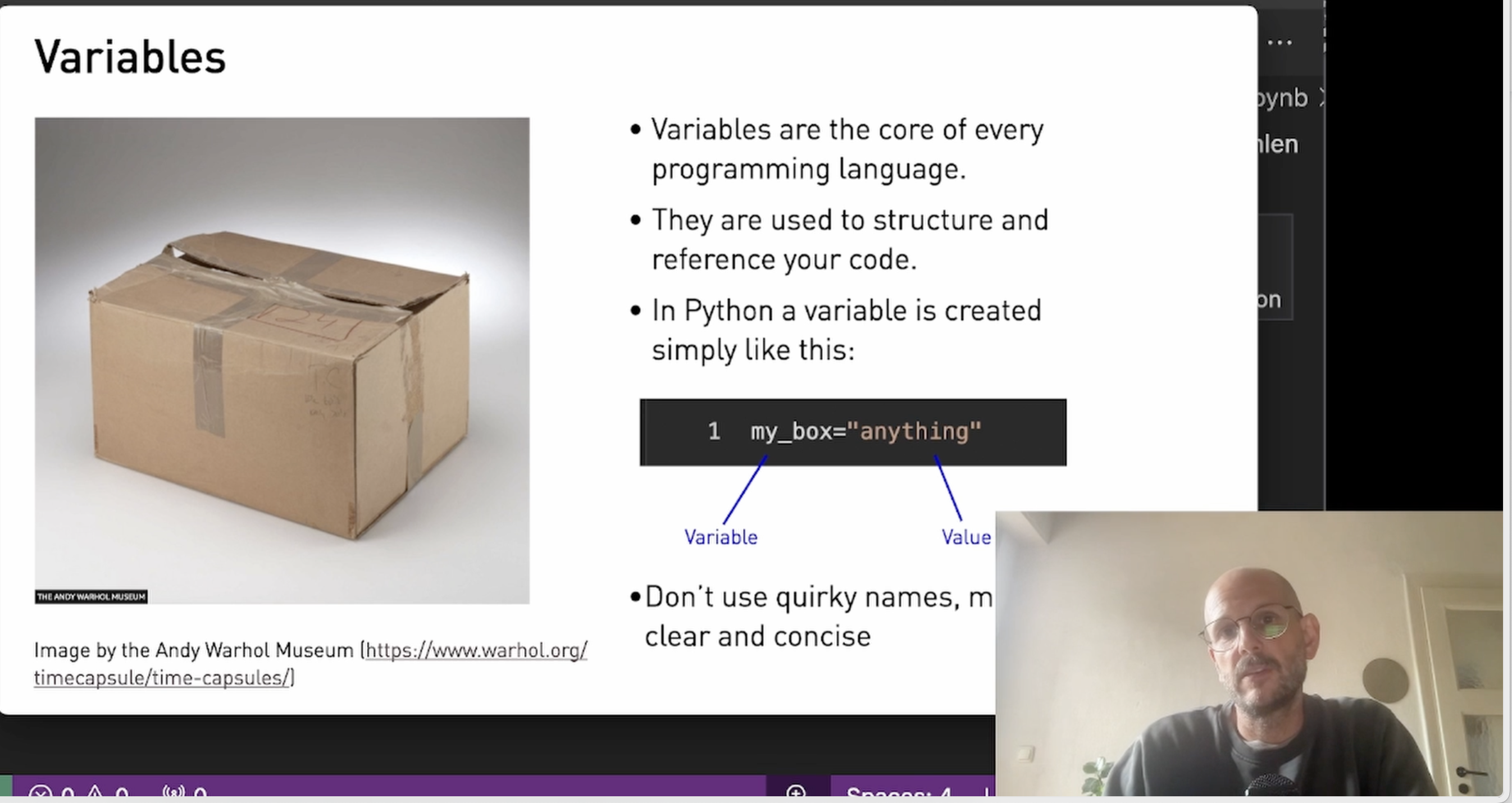
🧨 Application (10 Minutes)
In the application, we build a simple pipeline to clean tweets by using the lower() function.
🍒 Further Food For Thought
You want to know more? Deep-dive into this notebook to learn more about variables and how to apply them.
You find the notebook here: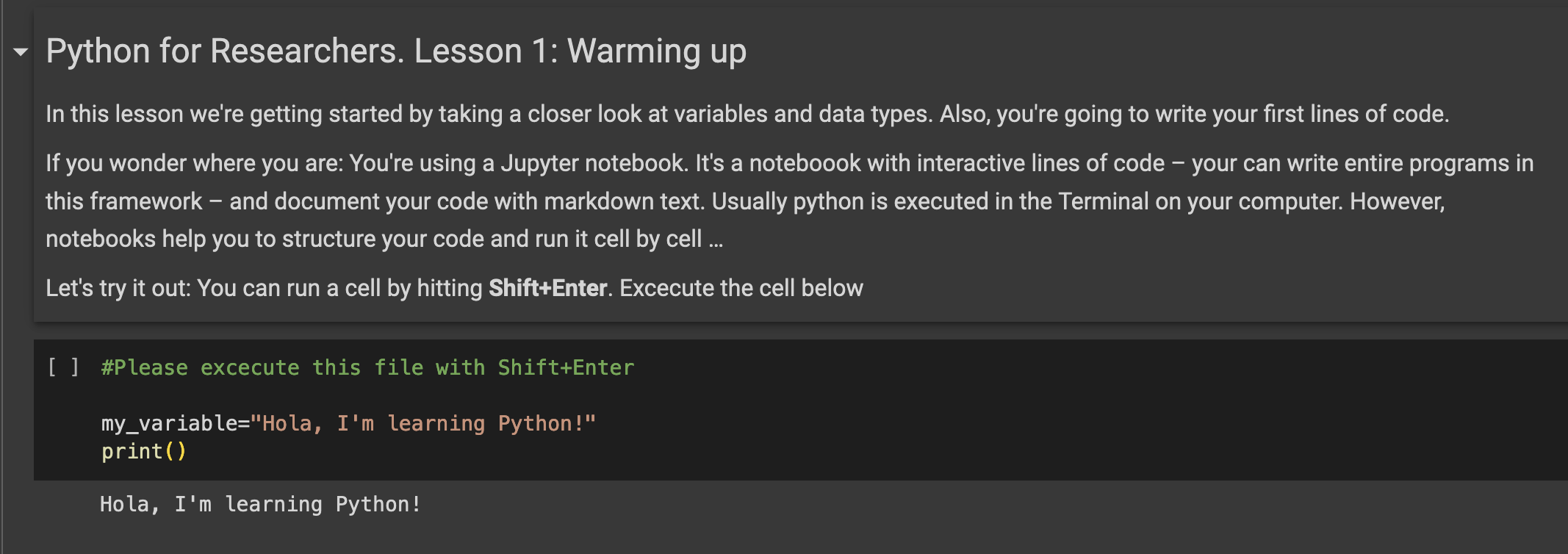
The notebook is protected, but you can create a copy of it in your own Colab repository by clicking File – Save Copy in Drive.
-
🚀 Video Introduction (9 Minutes)
This section discusses the implications of using Python to analyze Big (qualitative) Data for social research. We also set up our working environment using a Jupyter Notebook on Google Colab.
Keywords: .py, .ipynb, notebooks, markdown
🧨 Application (10 Minutes)
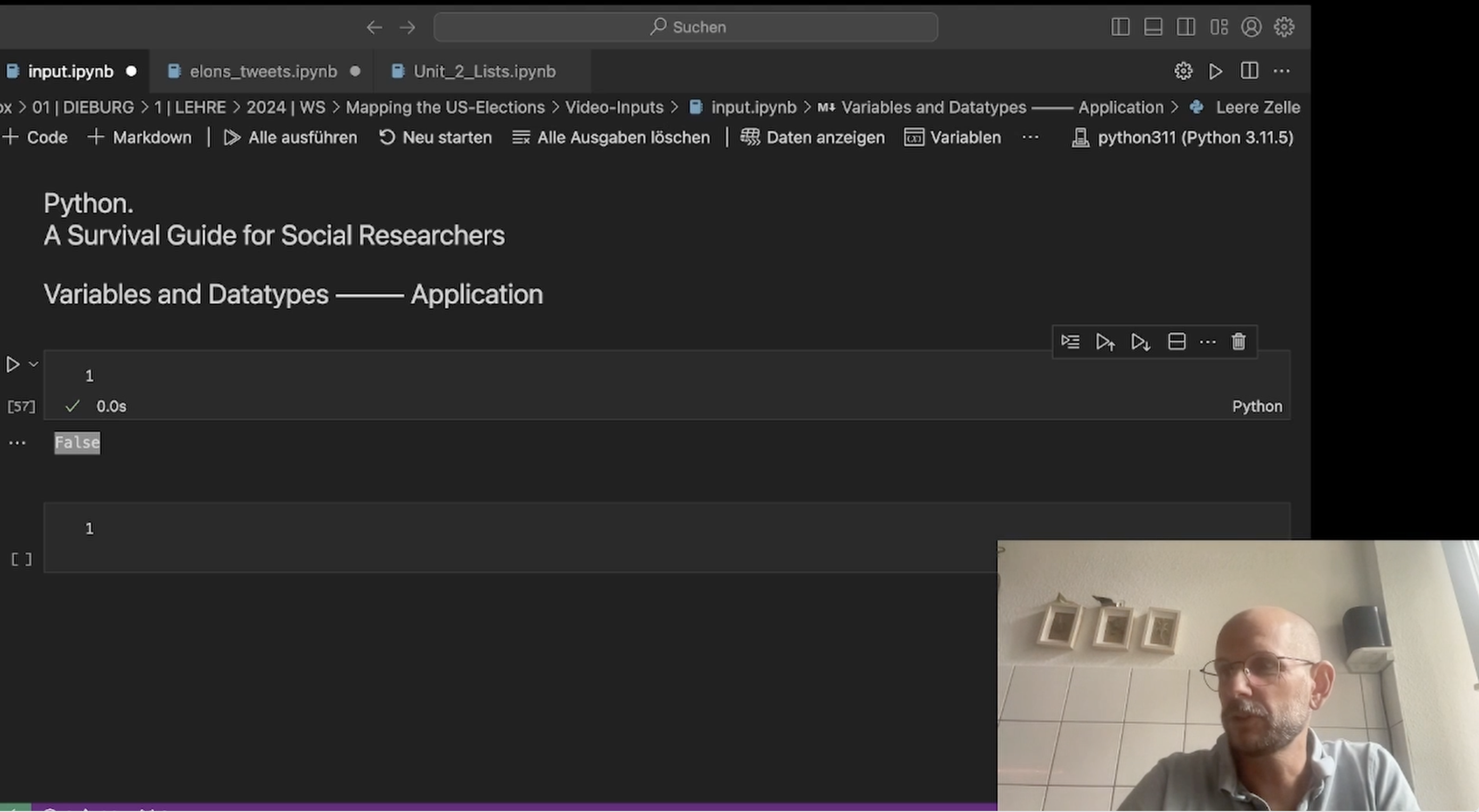
In the application, we build a simple notebook, including code and formated text (markdown)
🥣 Ingredients:
- You can use Google Colab for coding online
- If you want to write code on your Computer, you need to download Python and a code editor of your choice. Anaconda/Juypter is straightforward, visual studio code more complex.
🍒 Further Food For Thought
If you want to learn more about using Python in the digital humanities, here are some resources:
- Dave Mattingly's excellent youTube channel Python for the Humanities features a very good introduction to the topic and includes many hands-on videos for methods and approaches in the DH.
-Rob Mulla is a data scientist who focuses on using Python for big data. I especially recommend his introduction to using Pandas. (youtube: Rob Mulla)
-
-
-
🚀 Video Introduction (9 Minutes)
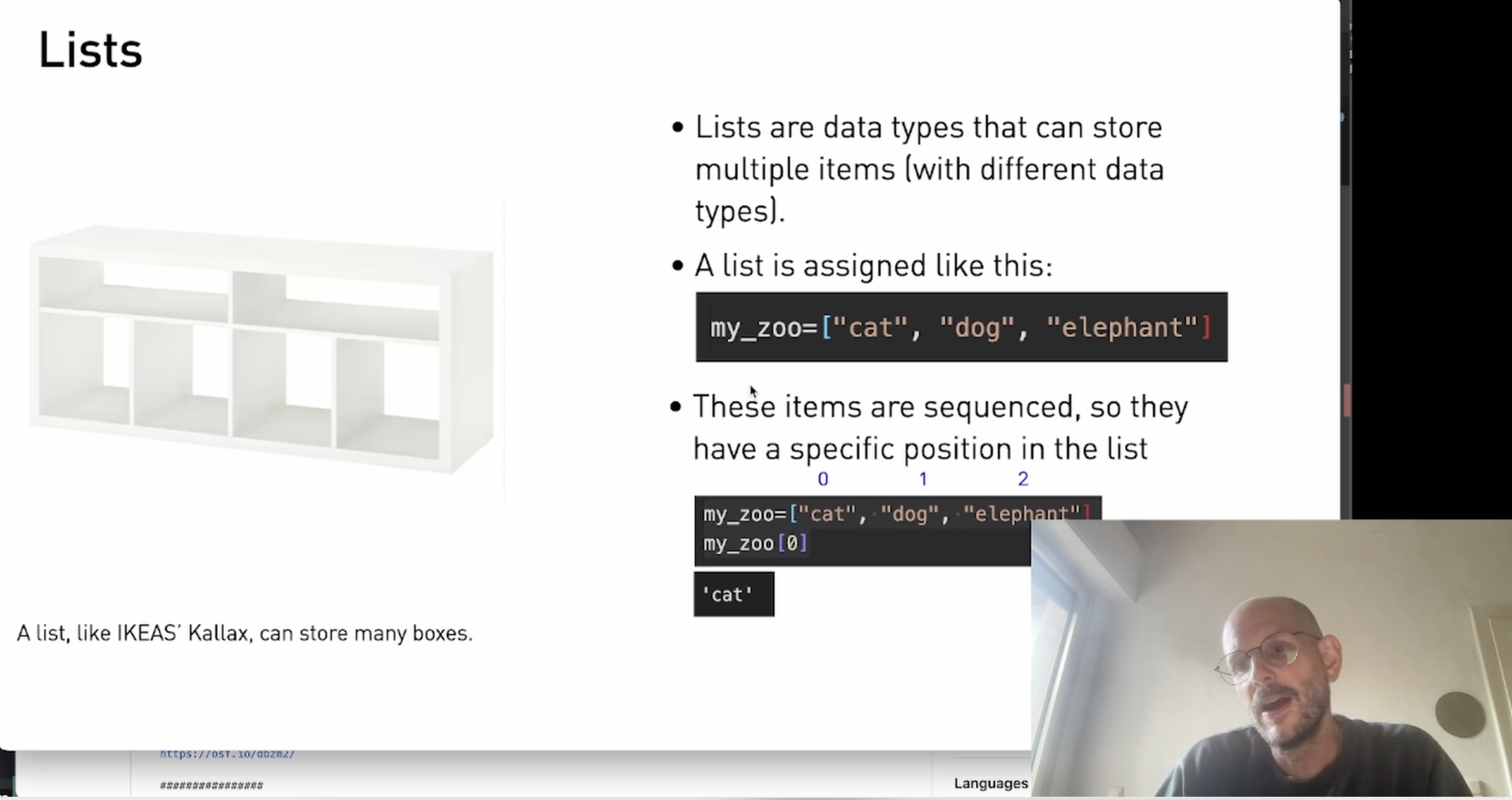
If a variable is a box, the list can be thought of as a shelf with room for storage. Lists are fun to use, as everything that works in a small format can be scaled up to massive datasets. I'll show you how sentences can be split into lists for further options.
keywords: list, split(), len()
🧨 Application (9 Minutes)
Further things with lists. Also: Have you ever wondered if the first chapter of Moby Dick contains the word 'watery'? Let's find out …
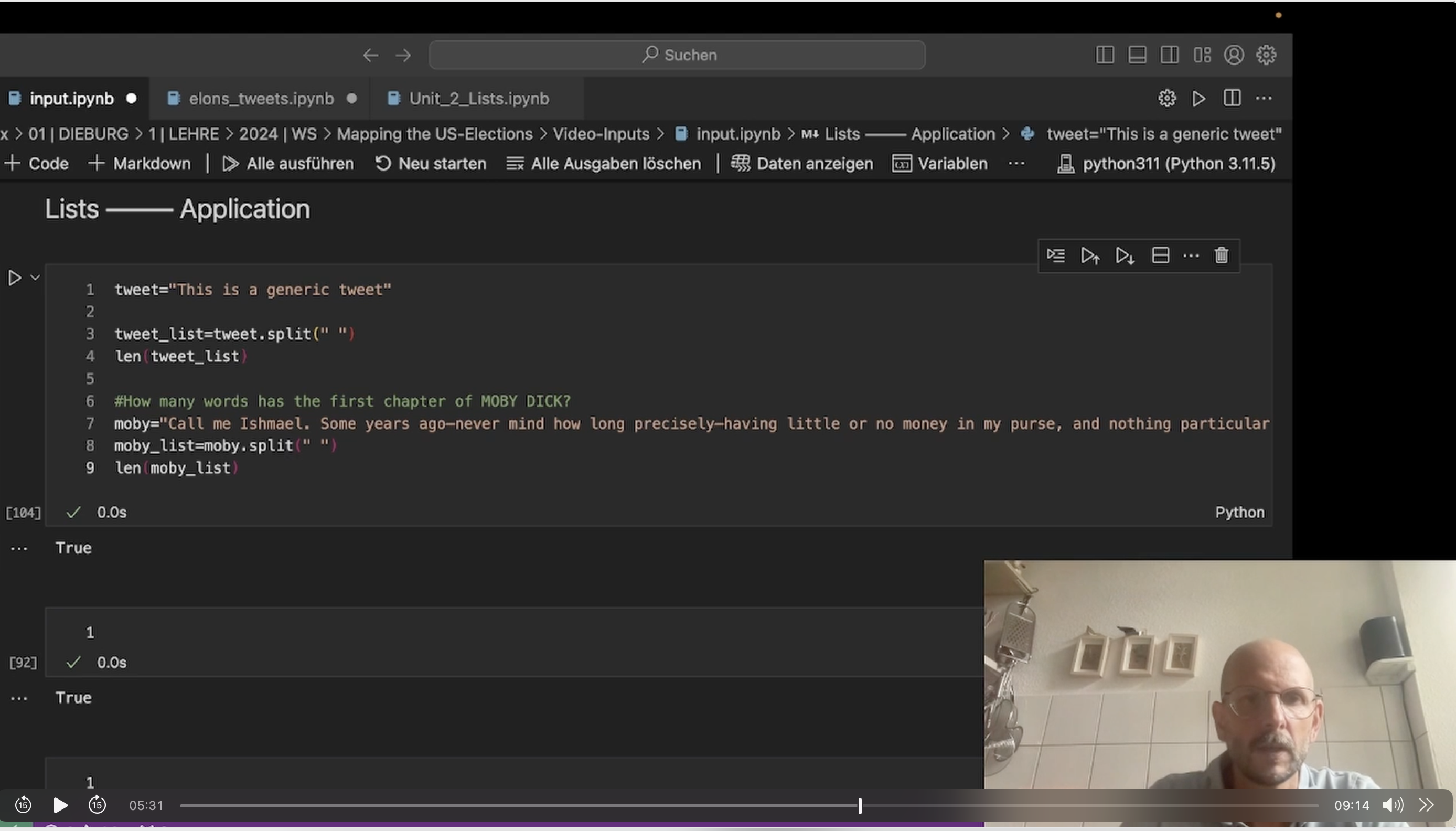 🥣 Ingredients:- Moby Dick from Gutenberg
🍒 Further Food For Thought
You want to know more? Deep-dive into this notebook to learn more about variables and how to apply them. Use this interactive notebook to deepen your knowledge:
Unit 2: Lists (The notebook is protected, but you can create a copy of it in your own Colab repository by clicking File – Save Copy in Drive.) -
🚀 Video Introduction (6 Minutes)
In this lection, we will take a look at the very basics of writing Python: Variables.
Think of a variable as a box that can store different items. What you can do with a variable largely depends on its content: Numbers strings of letter, lists.
Keywords: variables, len(), split()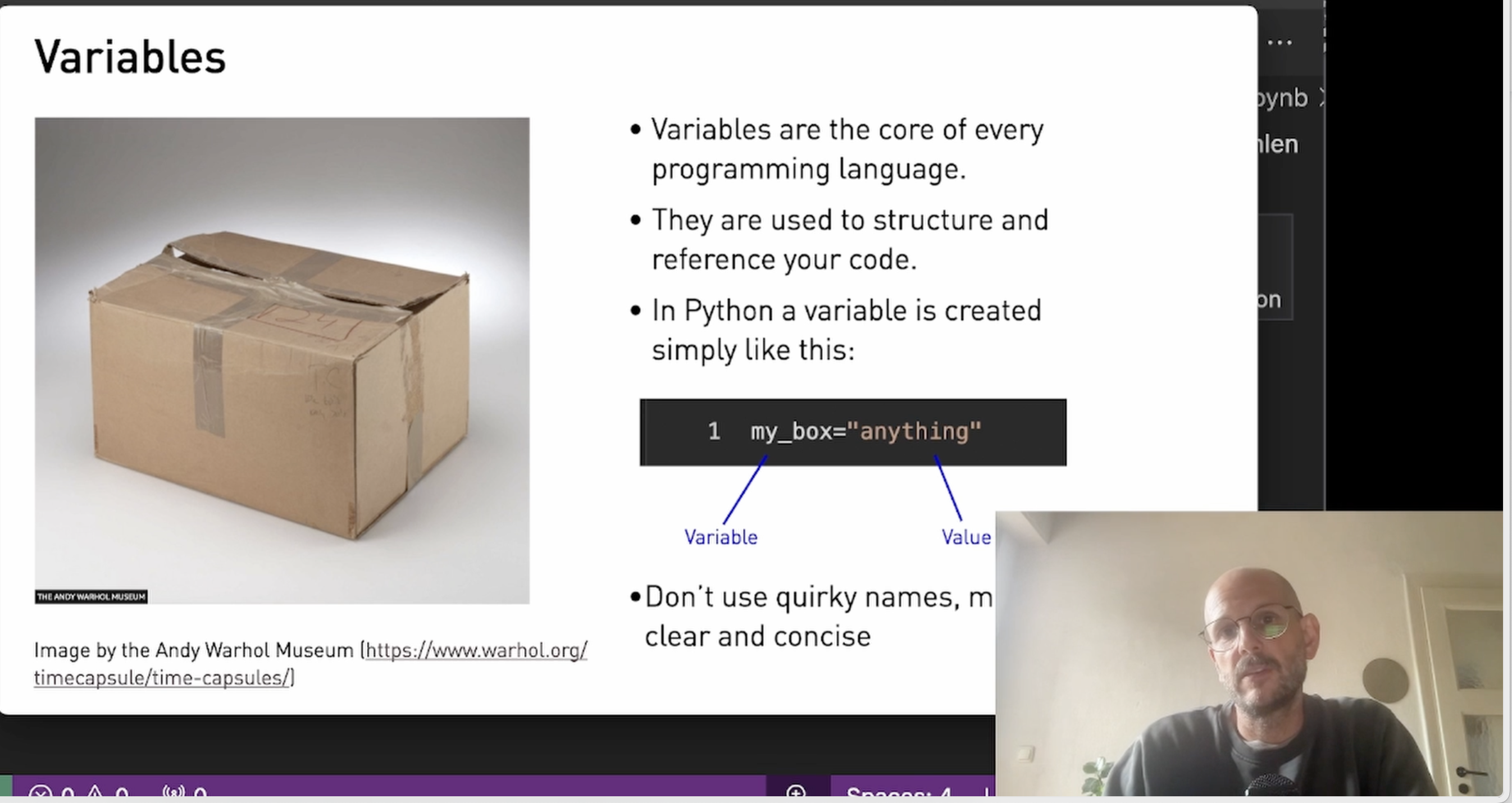
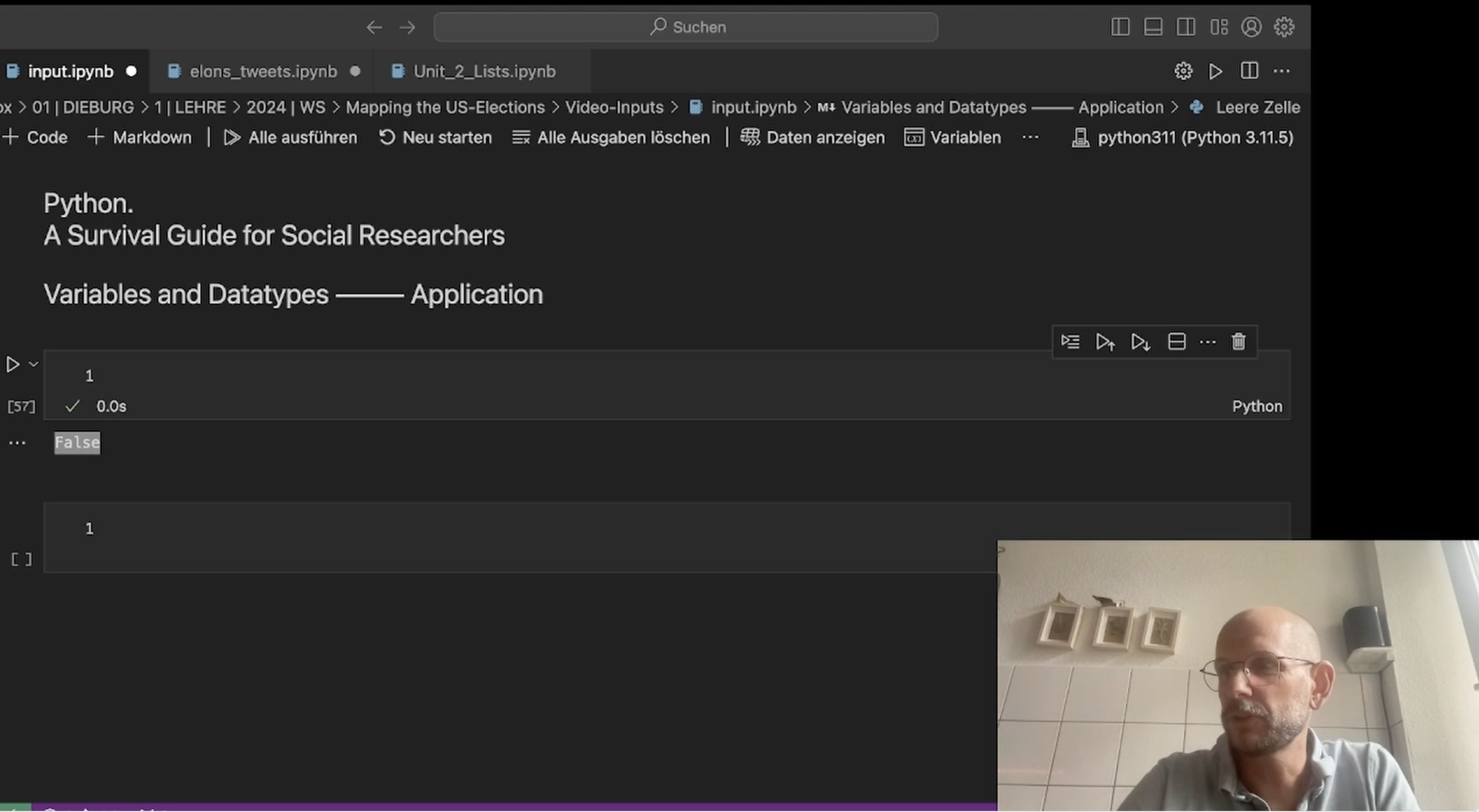
🧨 Application (10 Minutes)
In the application, we build a simple pipeline to clean tweets by using the lower() function.
🍒 Further Food For Thought
You want to know more? Deep-dive into this notebook to learn more about variables and how to apply them.
You find the notebook here: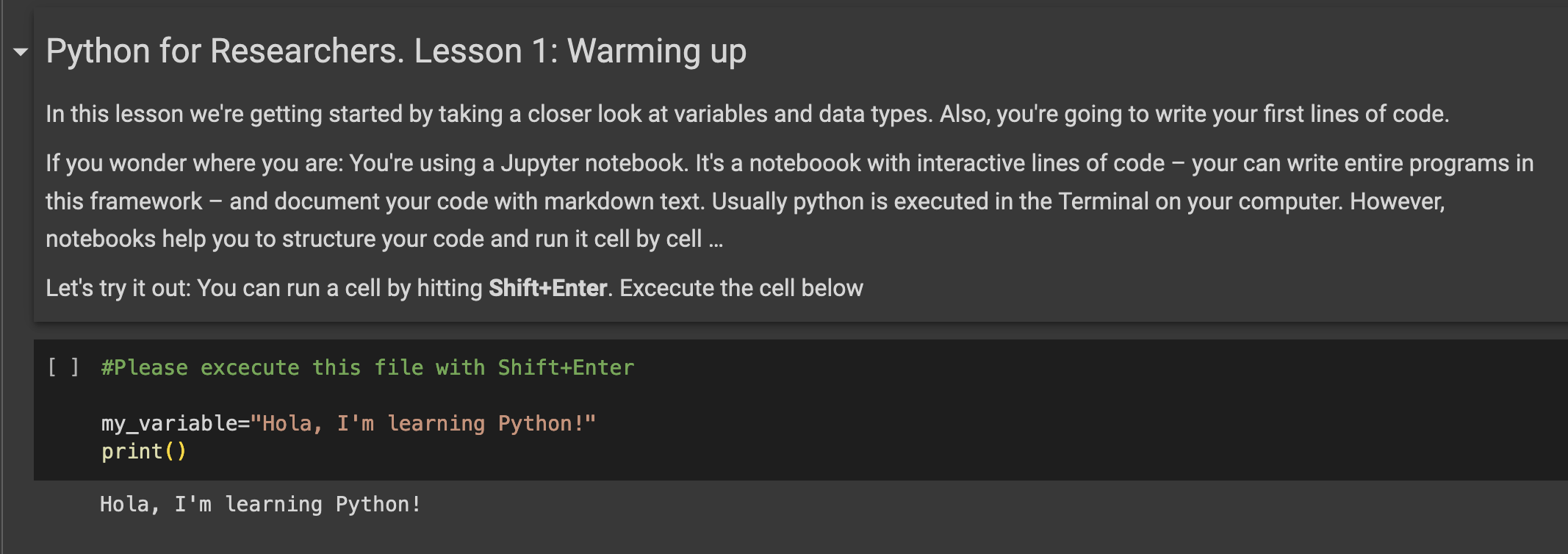
The notebook is protected, but you can create a copy of it in your own Colab repository by clicking File – Save Copy in Drive.
-
-
-
🚀 Video Introduction (10 Minutes)
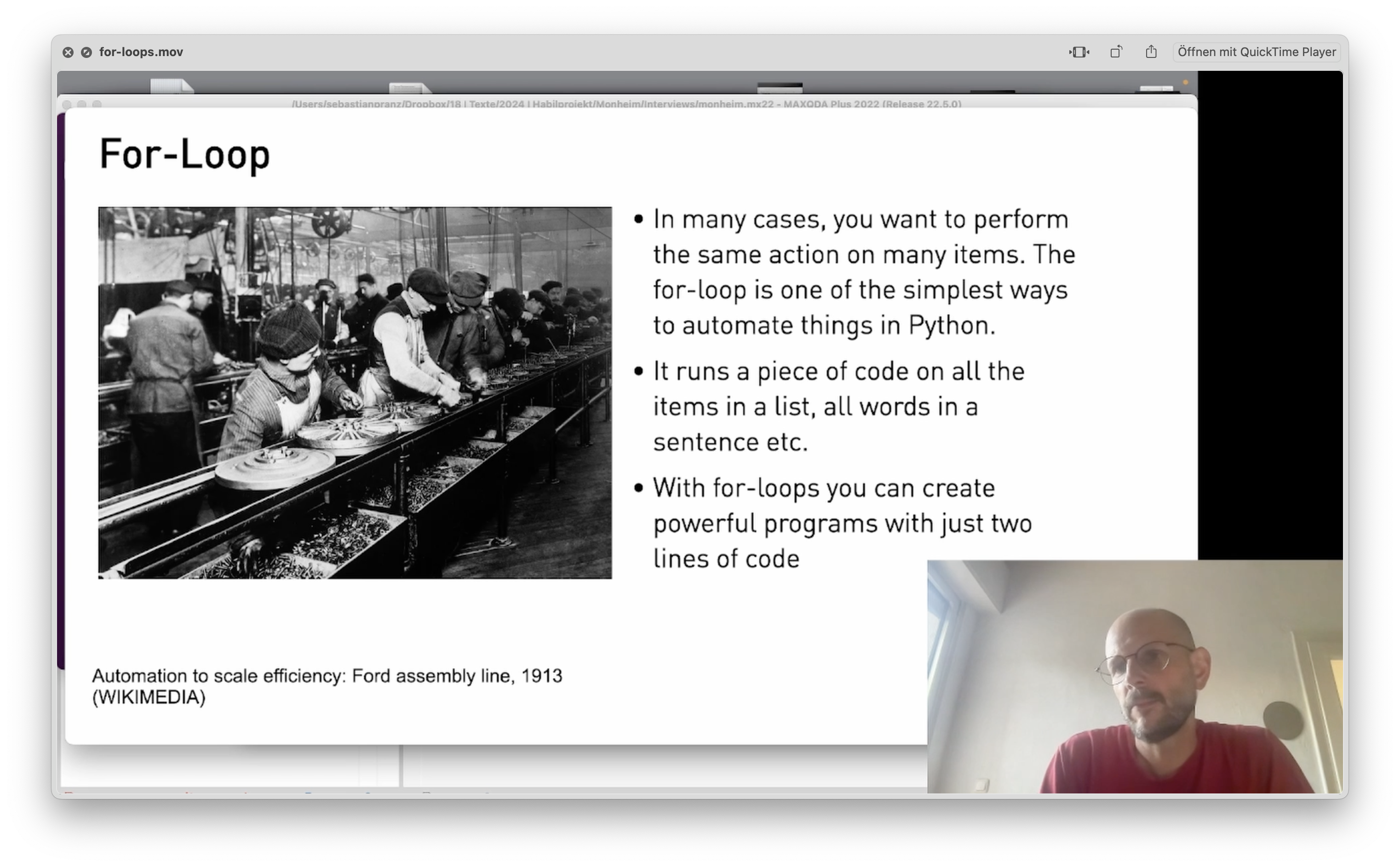
Everything you do more than twice – automatize! With the for loop you can repeat an operation on every item in a list. Want to to turn 10.000 tweets into lowercase? No problem …
keywords: for item in, lower()
🧨 Application (11 Minutes)
We build a simple pipeline to make tweets better searchable and remove special characters for further analysis. And: There are squirrels …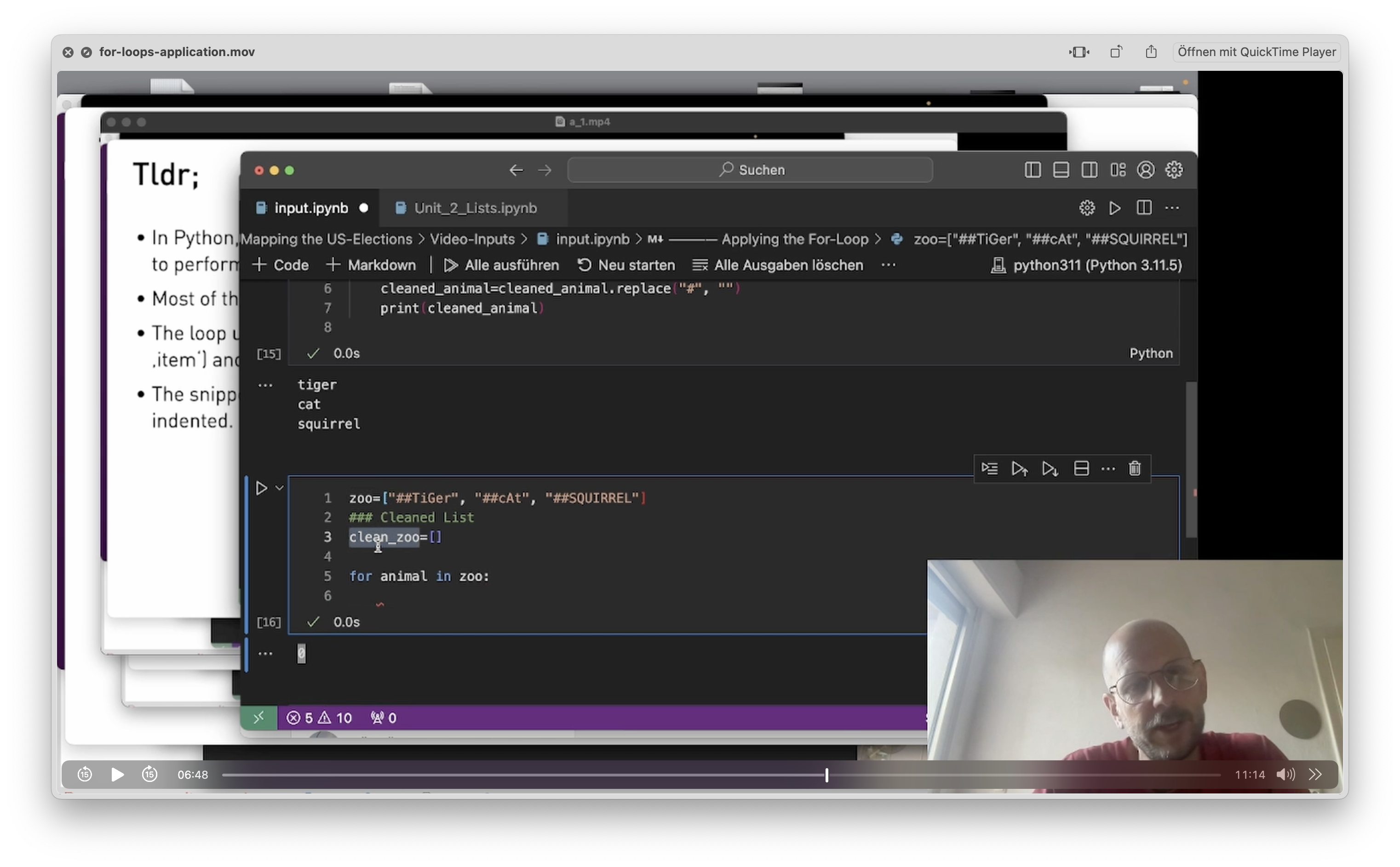
-
🚀 Video Introduction (9 Minutes)
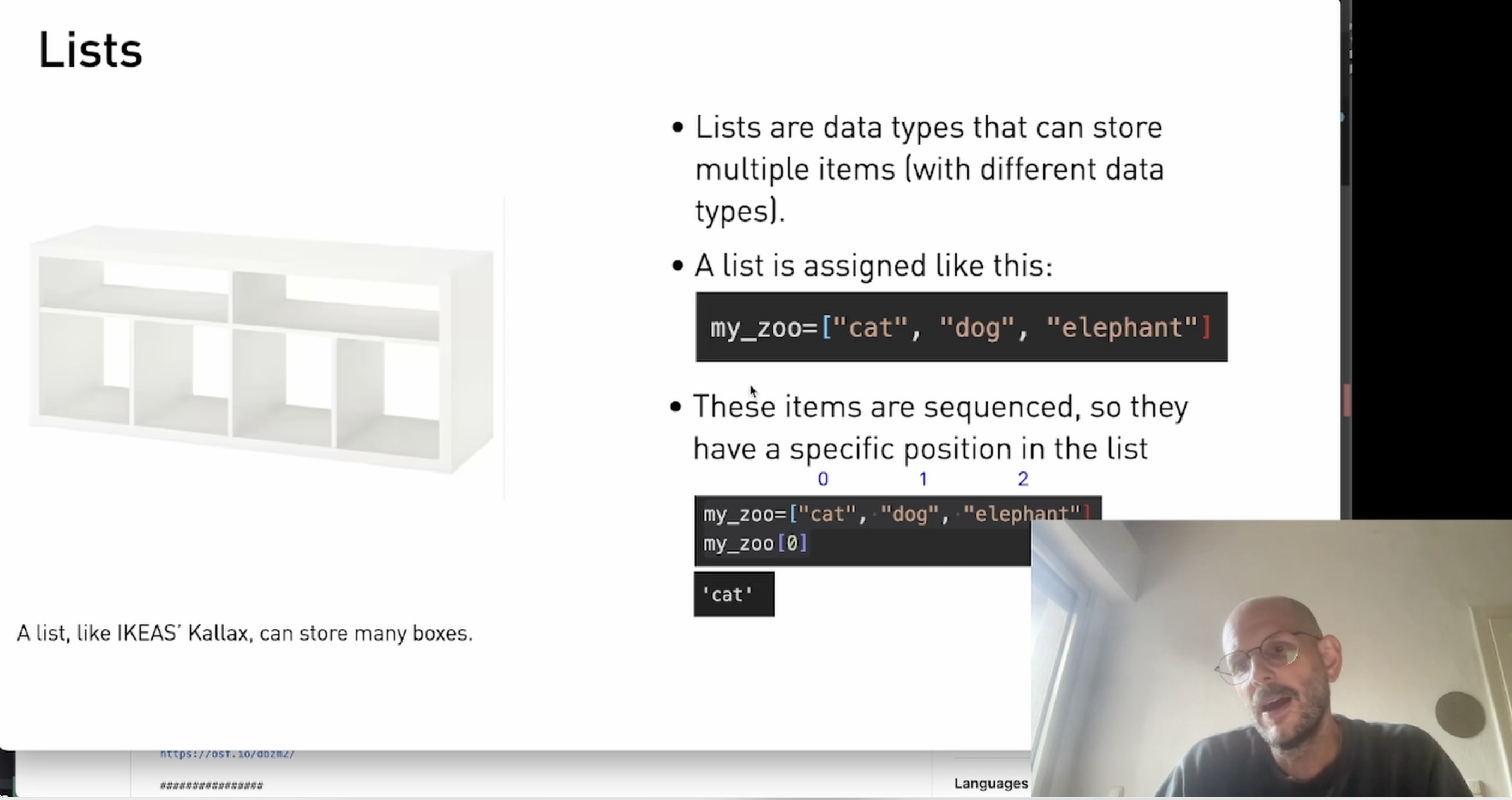
If a variable is a box, the list can be thought of as a shelf with room for storage. Lists are fun to use, as everything that works in a small format can be scaled up to massive datasets. I'll show you how sentences can be split into lists for further options.
keywords: list, split(), len()
🧨 Application (9 Minutes)
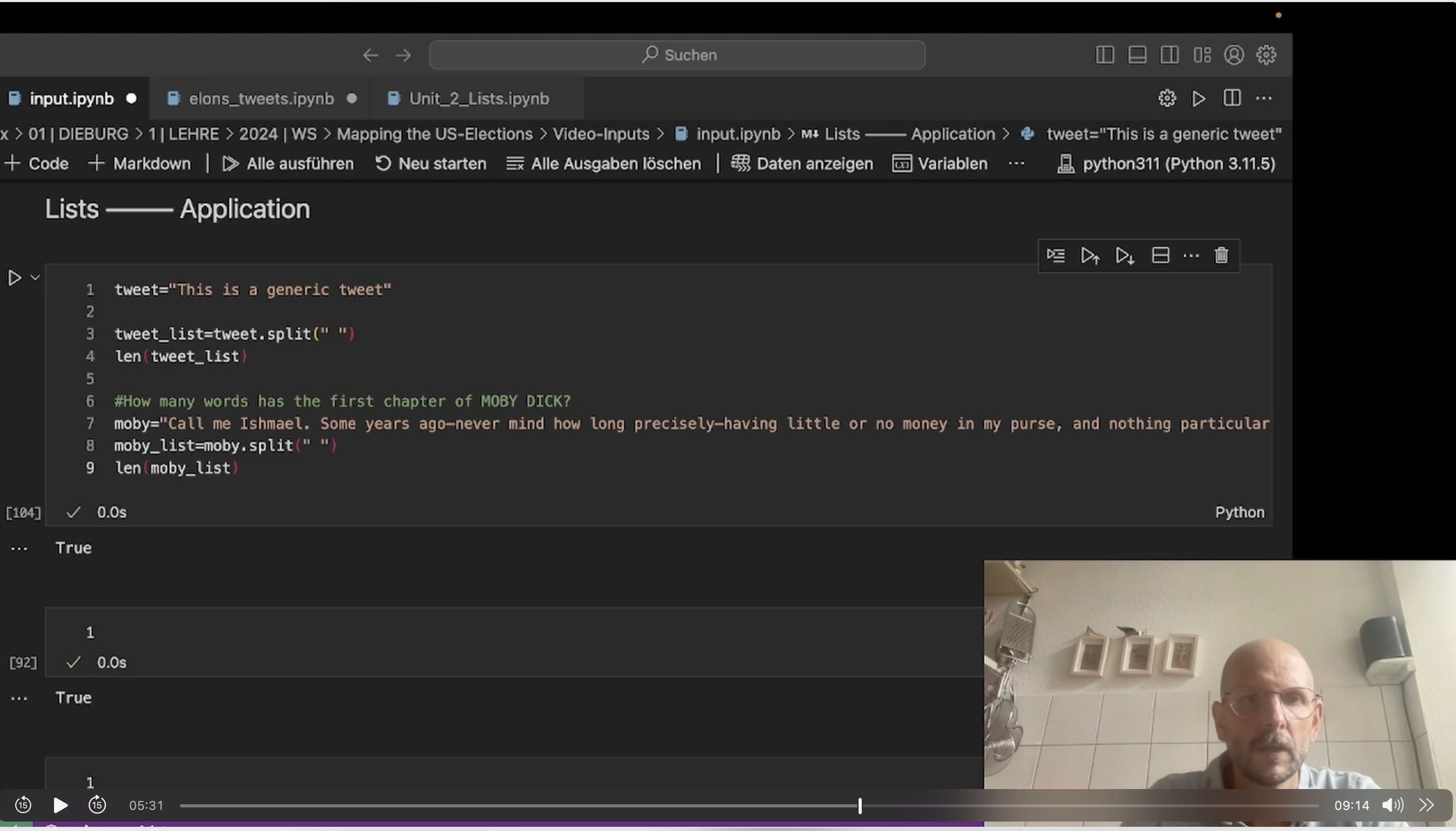
Further things with lists. Also: Have you ever wondered if the first chapter of Moby Dick contains the word 'watery'? Let's find out …
 🥣 Ingredients:- Moby Dick from Gutenberg
🍒 Further Food For Thought
You want to know more? Deep-dive into this notebook to learn more about variables and how to apply them. Use this interactive notebook to deepen your knowledge:
Unit 2: Lists (The notebook is protected, but you can create a copy of it in your own Colab repository by clicking File – Save Copy in Drive.)
-
-
-
🚀 Video Introduction (7 Minutes)
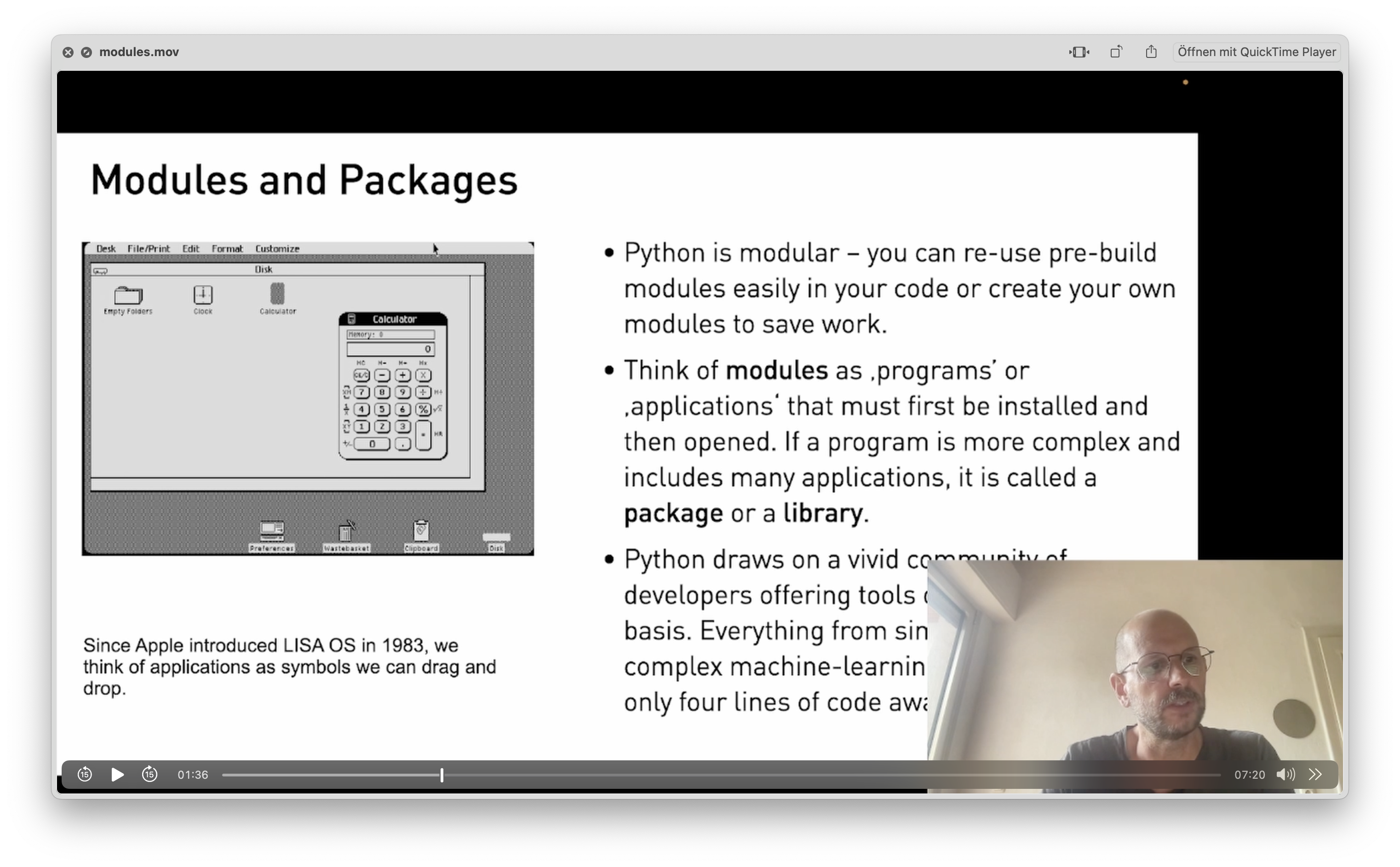
Python draws on a plethora of open-source programs – called modules. From giant sets of trained data to the transformer model that powers Google search, all of these are available with some lines of code. In this section, we import modules into our code and scale up what's possible.
keywords: import, pip install, dir()
🧨 Application (10 Minutes)
We import KeyBert, a powerful library that recognizes important words in a text. KeyBert draws on Google's transformer BERT and is your first step toward topic modeling.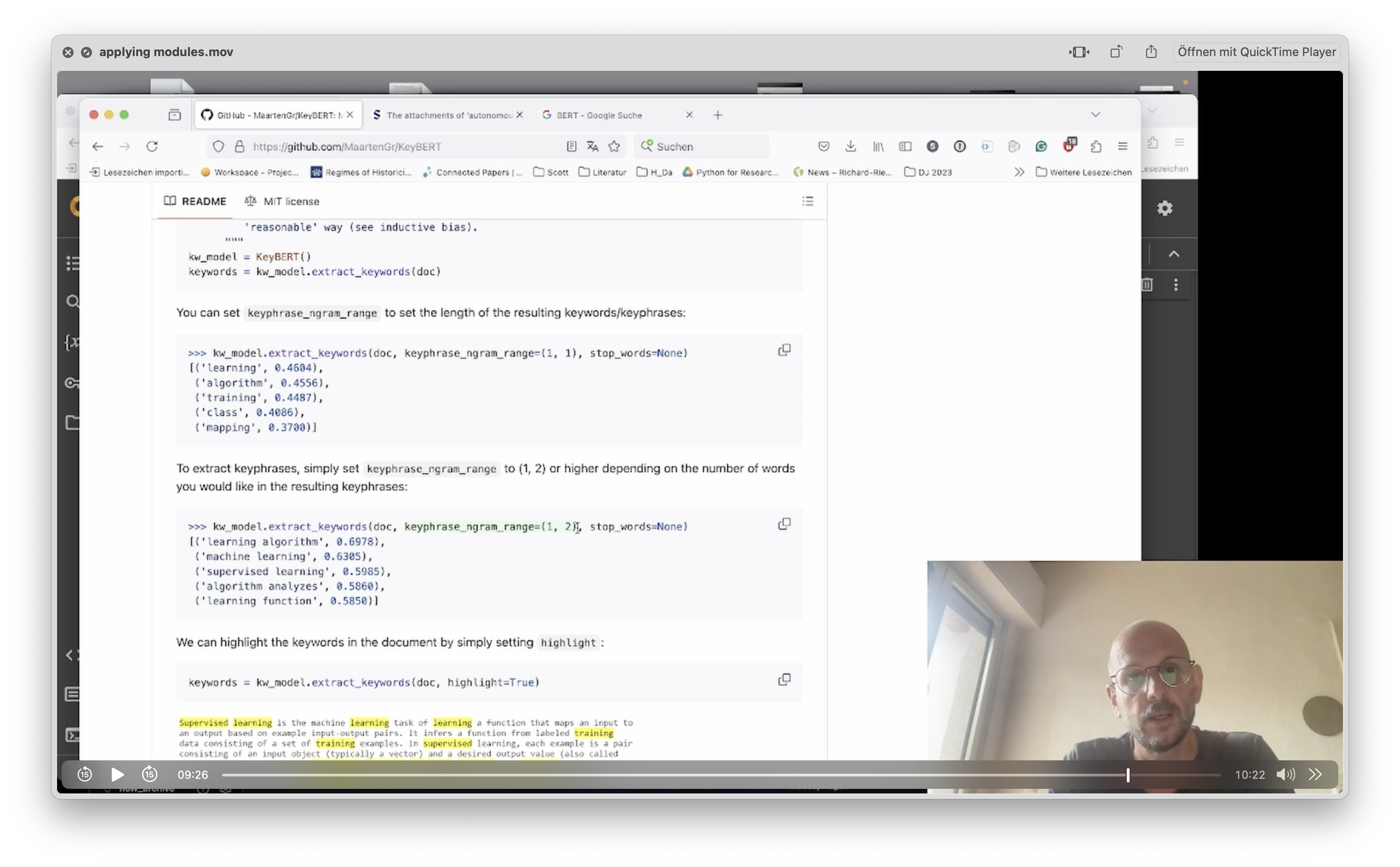 🥣 Ingredients:- The KeyBert Module by Maarten Grootendorst- A random paper, although you can take this one
🍒 Further Food For Thought
You want to know more? Deep-dive into this notebook to learn more of KeyBert's parameters. Use this interactive notebook to deepen your knowledge:
Unit 4: Modules (The notebook is protected, but you can create a copy of it in your own Colab repository by clicking File – Save Copy in Drive.) -
🚀 Video Introduction (10 Minutes)
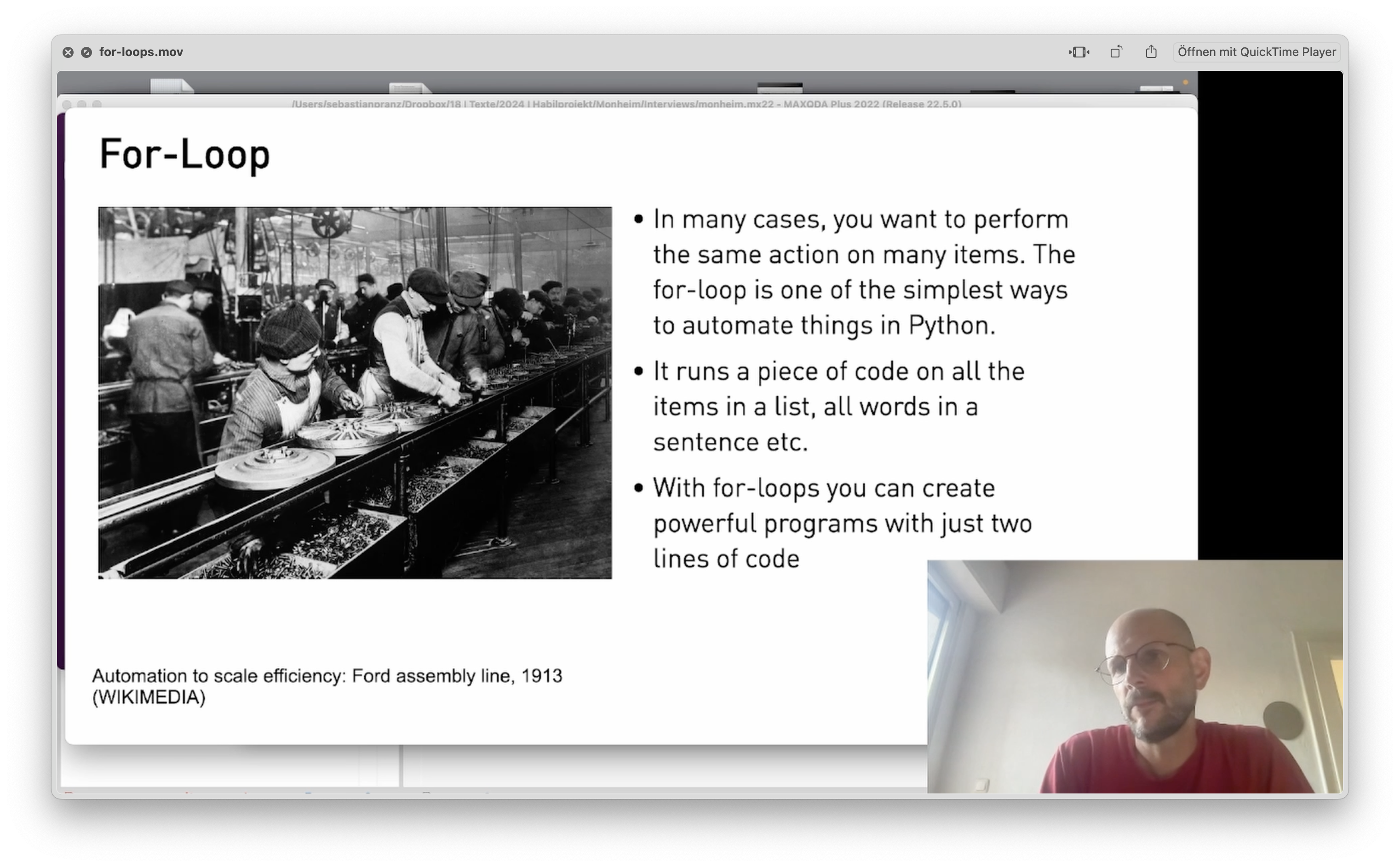
Everything you do more than twice – automatize! With the for loop you can repeat an operation on every item in a list. Want to to turn 10.000 tweets into lowercase? No problem …
keywords: for item in, lower()
🧨 Application (11 Minutes)
We build a simple pipeline to make tweets better searchable and remove special characters for further analysis. And: There are squirrels …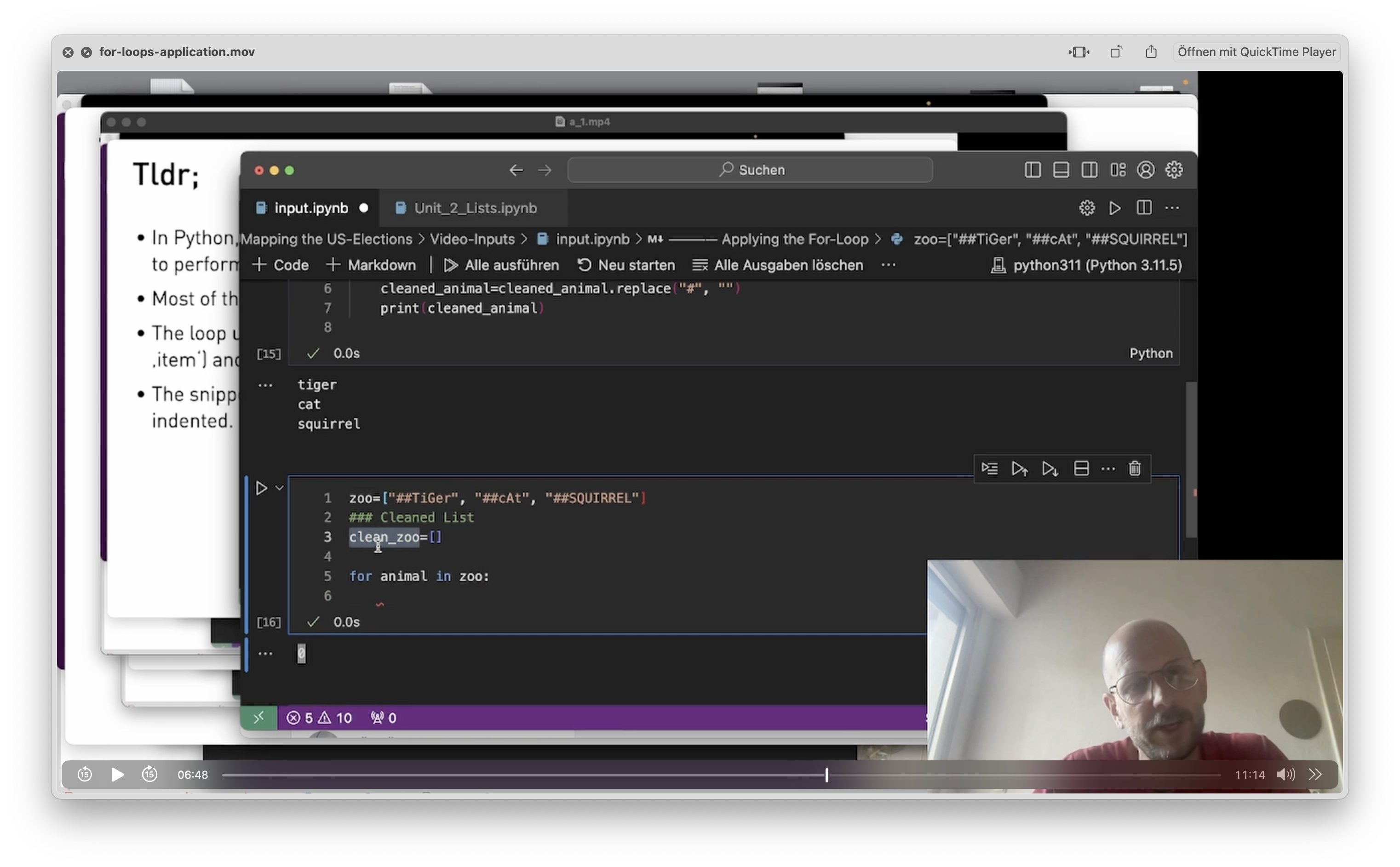
🍒 Further Food For Thought
You want to know more? Deep-dive into this notebook to learn more about variables and how to apply them. Use this interactive notebook to deepen your knowledge:
Unit 3: For-Loops (The notebook is protected, but you can create a copy of it in your own Colab repository by clicking File – Save Copy in Drive.)
-
-
-
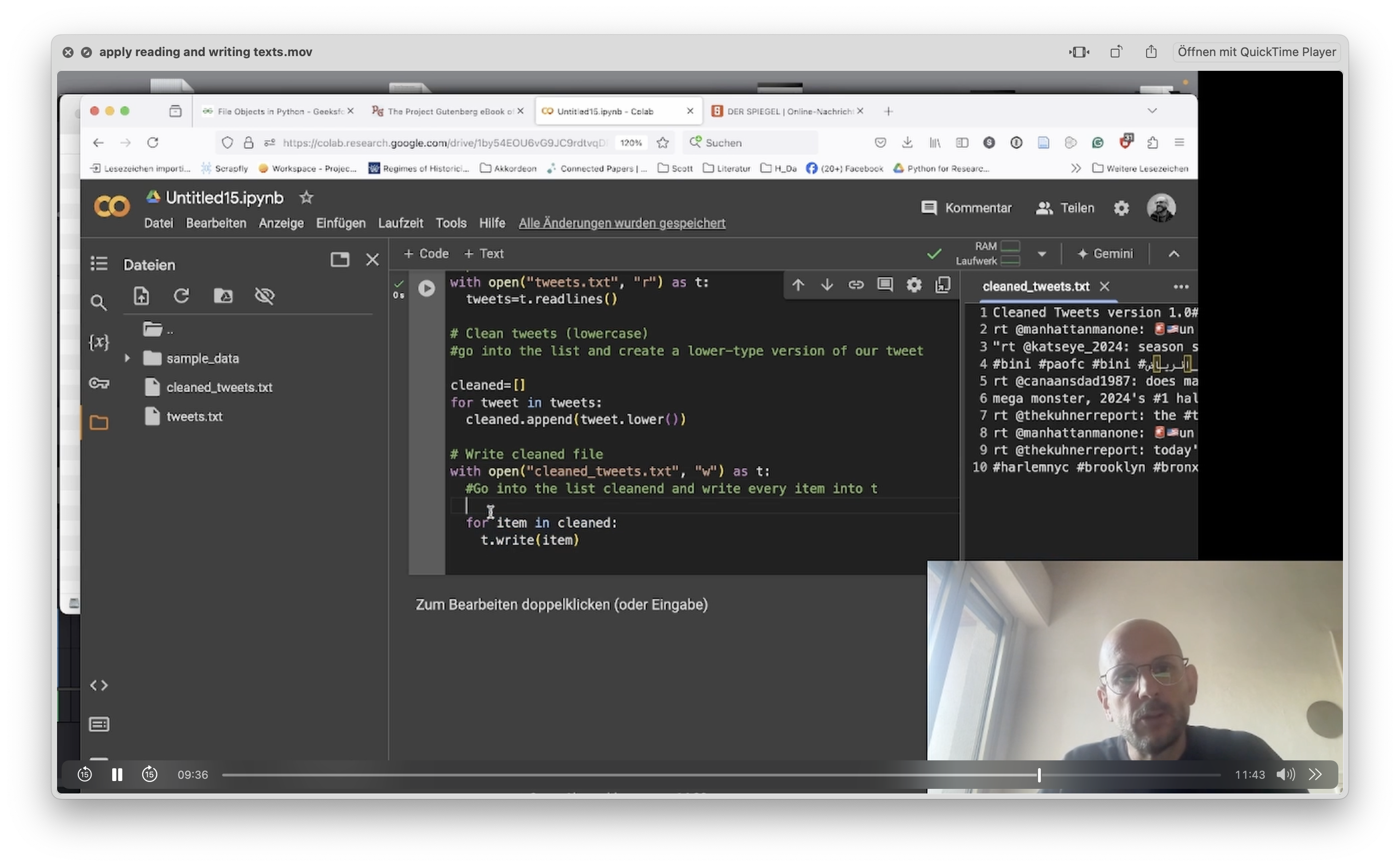
🚀 Video Introduction (11 Minutes)
Textfiles are a simple and versatile way to access your data and export them to other applications. With the open()-function you can both read and write texts in Python.
keywords: with open(), write(), read()
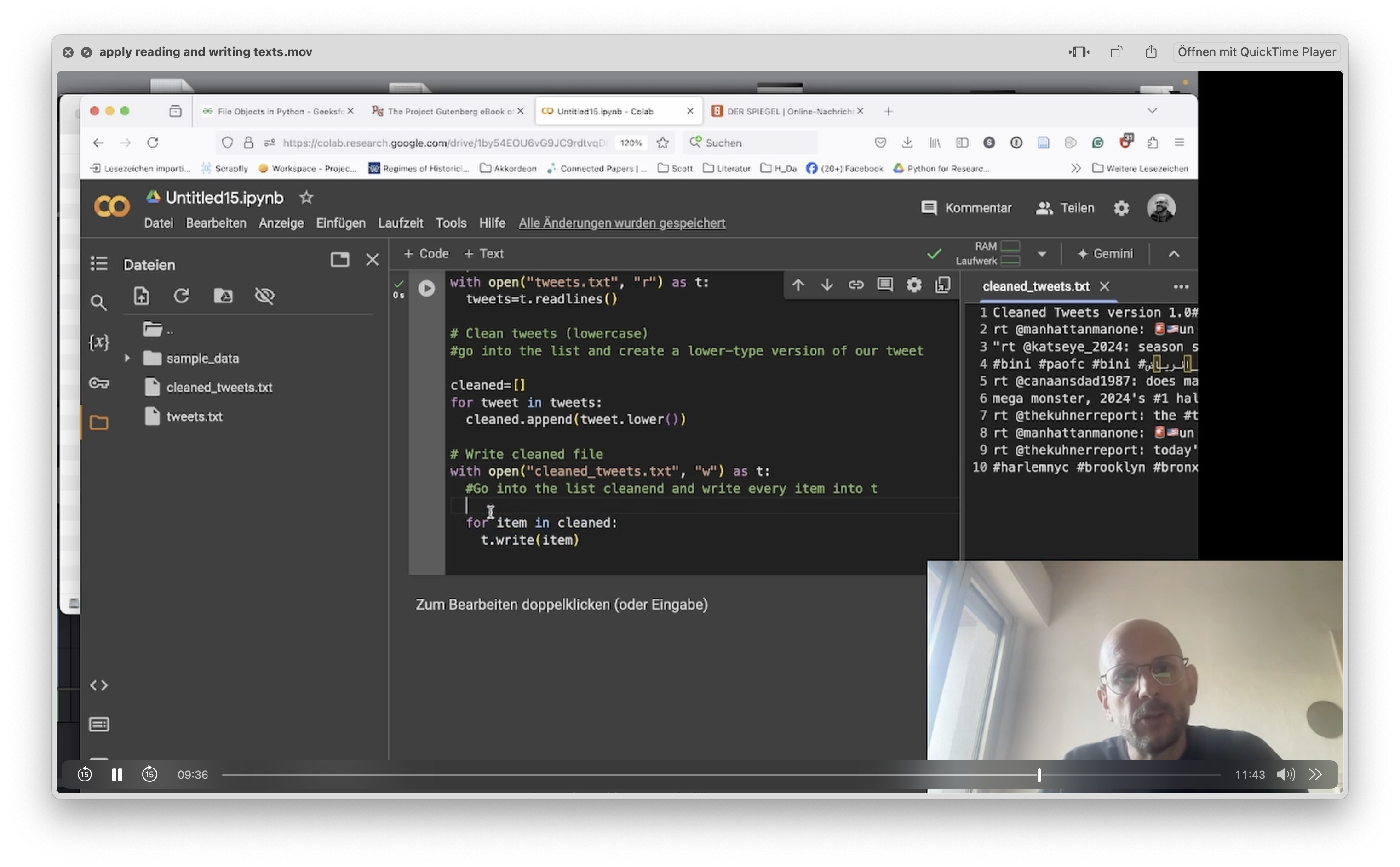
🧨 Application (11 Minutes)
We import KeyBert, a powerful library that recognizes important words in a text. KeyBert draws on Google's transformer BERT and is your first step toward topic modeling.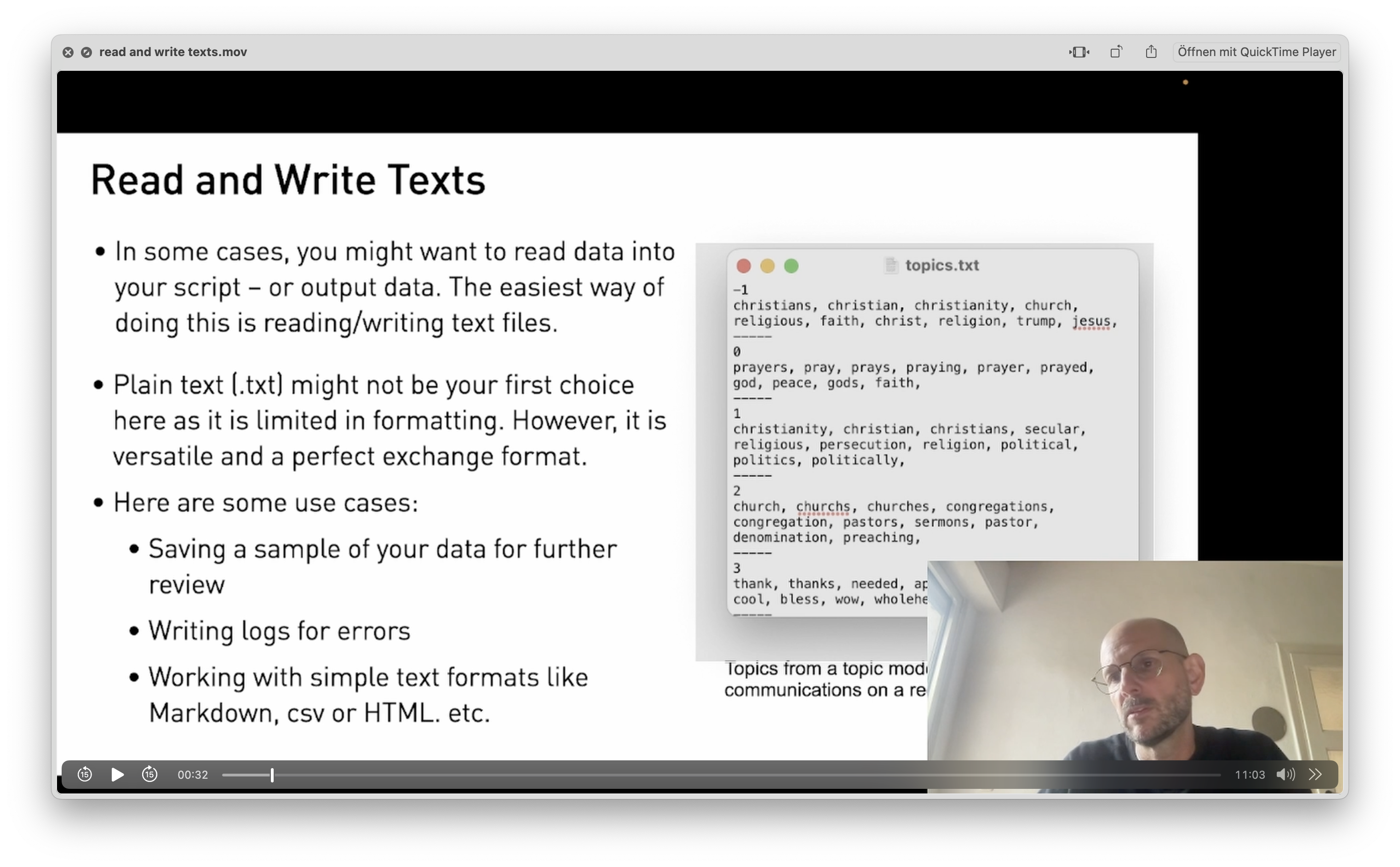
🍒 Further Food For Thought
You want to know more? Deep-dive into this notebook to explore a little project with comments from Reddit that we import and analyze:
Unit 5: Working with Text. The notebook is protected, but you can create a copy of it in your own Colab repository by clicking File – Save Copy in Drive.) -
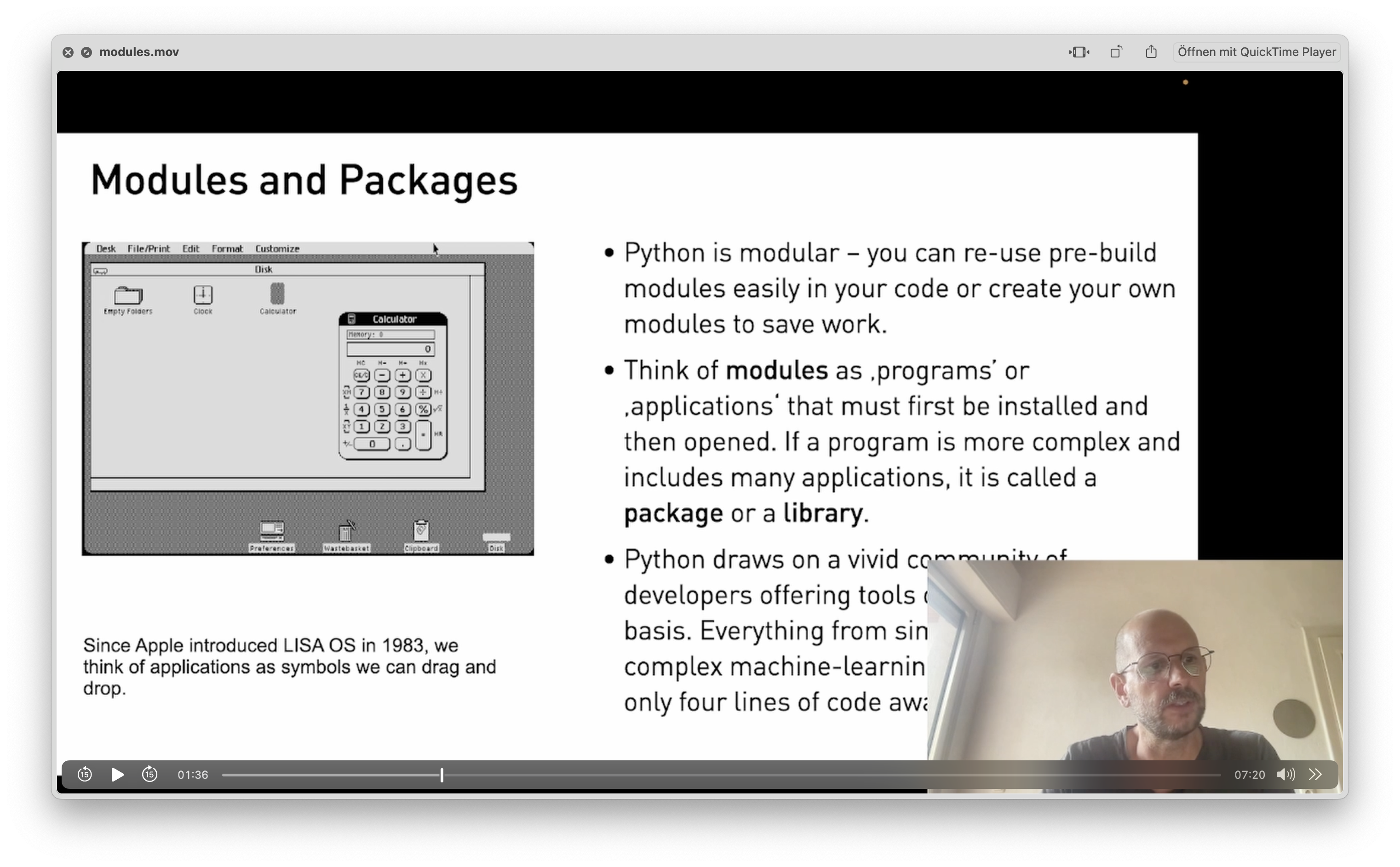
🚀 Video Introduction (7 Minutes)
Python draws on a plethora of open-source programs – called modules. From giant sets of trained data to the transformer model that powers Google search, all of these are available with some lines of code. In this section, we import modules into our code and scale up what's possible.
keywords: import, pip install, dir()
🧨 Application (10 Minutes)
We import KeyBert, a powerful library that recognizes important words in a text. KeyBert draws on Google's transformer BERT and is your first step toward topic modeling.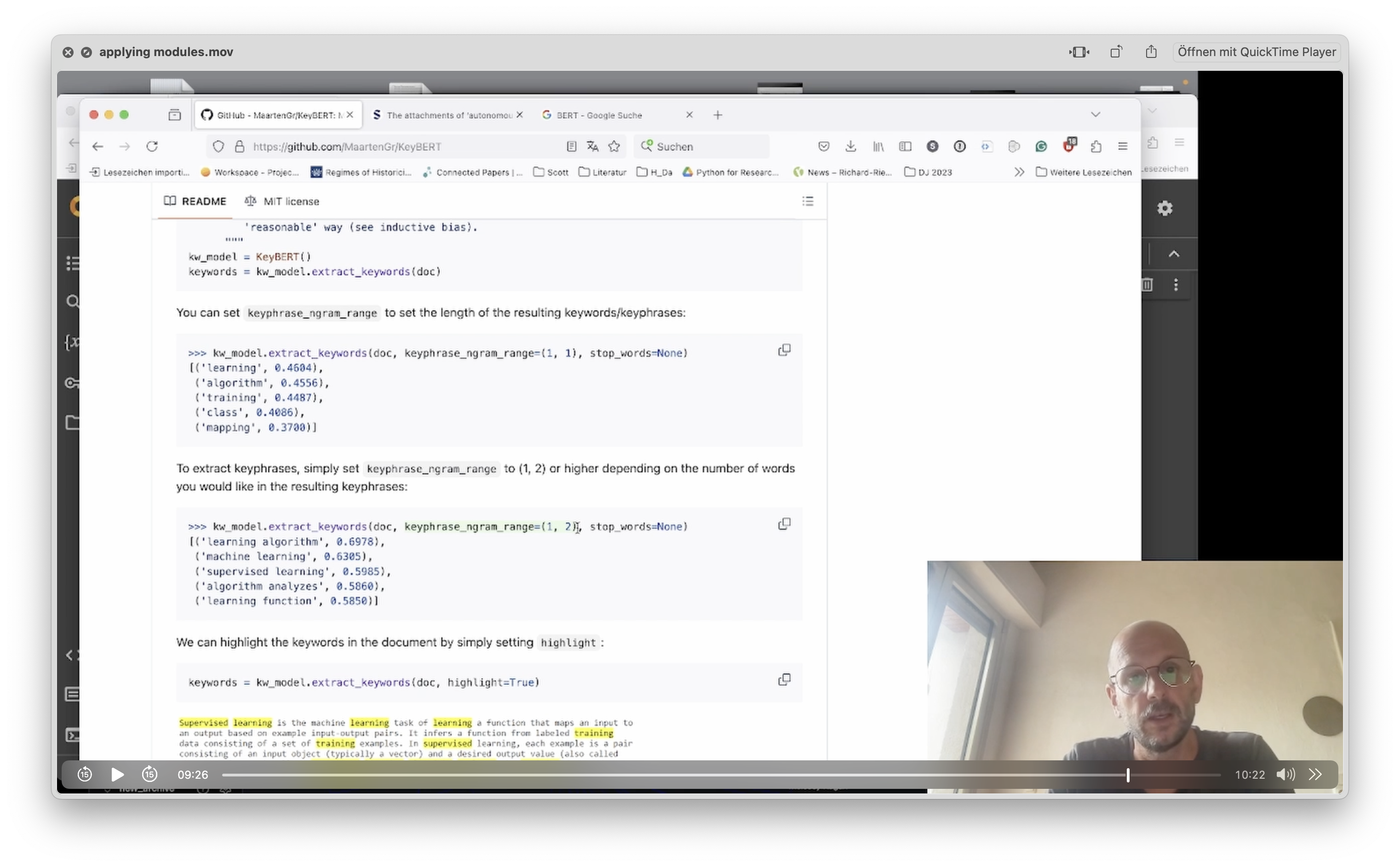 🥣 Ingredients:- The KeyBert Module by Maarten Grootendorst- A random paper, although you can take this one
🍒 Further Food For Thought
You want to know more? Deep-dive into this notebook to learn more of KeyBert's parameters. Use this interactive notebook to deepen your knowledge:
Unit 4: Modules (The notebook is protected, but you can create a copy of it in your own Colab repository by clicking File – Save Copy in Drive.)
-
-
-
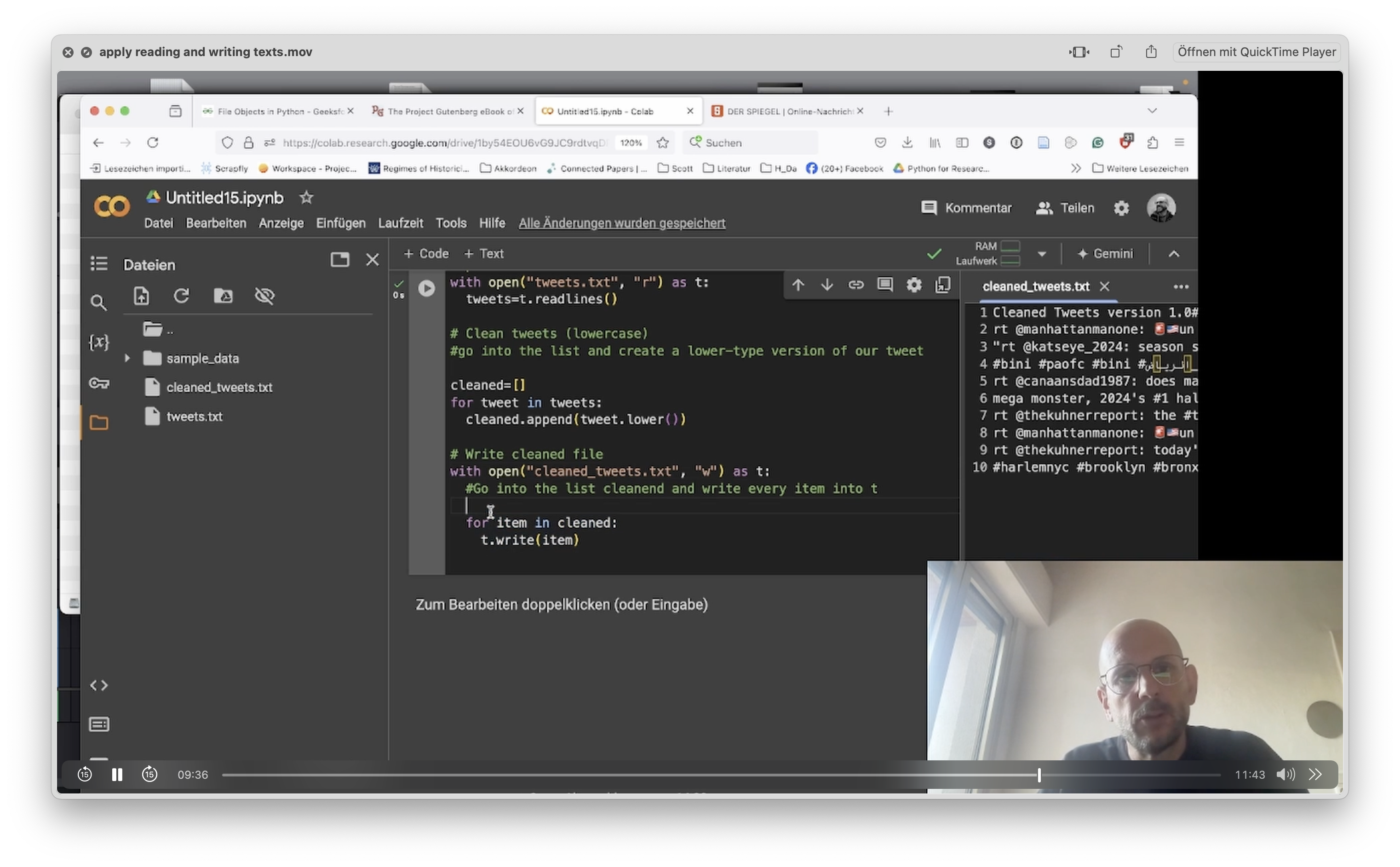
🚀 Video Introduction (11 Minutes)
Textfiles are a simple and versatile way to access your data and export them to other applications. With the open()-function you can both read and write texts in Python.
keywords: with open(), write(), read()
🧨 Application (11 Minutes)
We import KeyBert, a powerful library that recognizes important words in a text. KeyBert draws on Google's transformer BERT and is your first step toward topic modeling.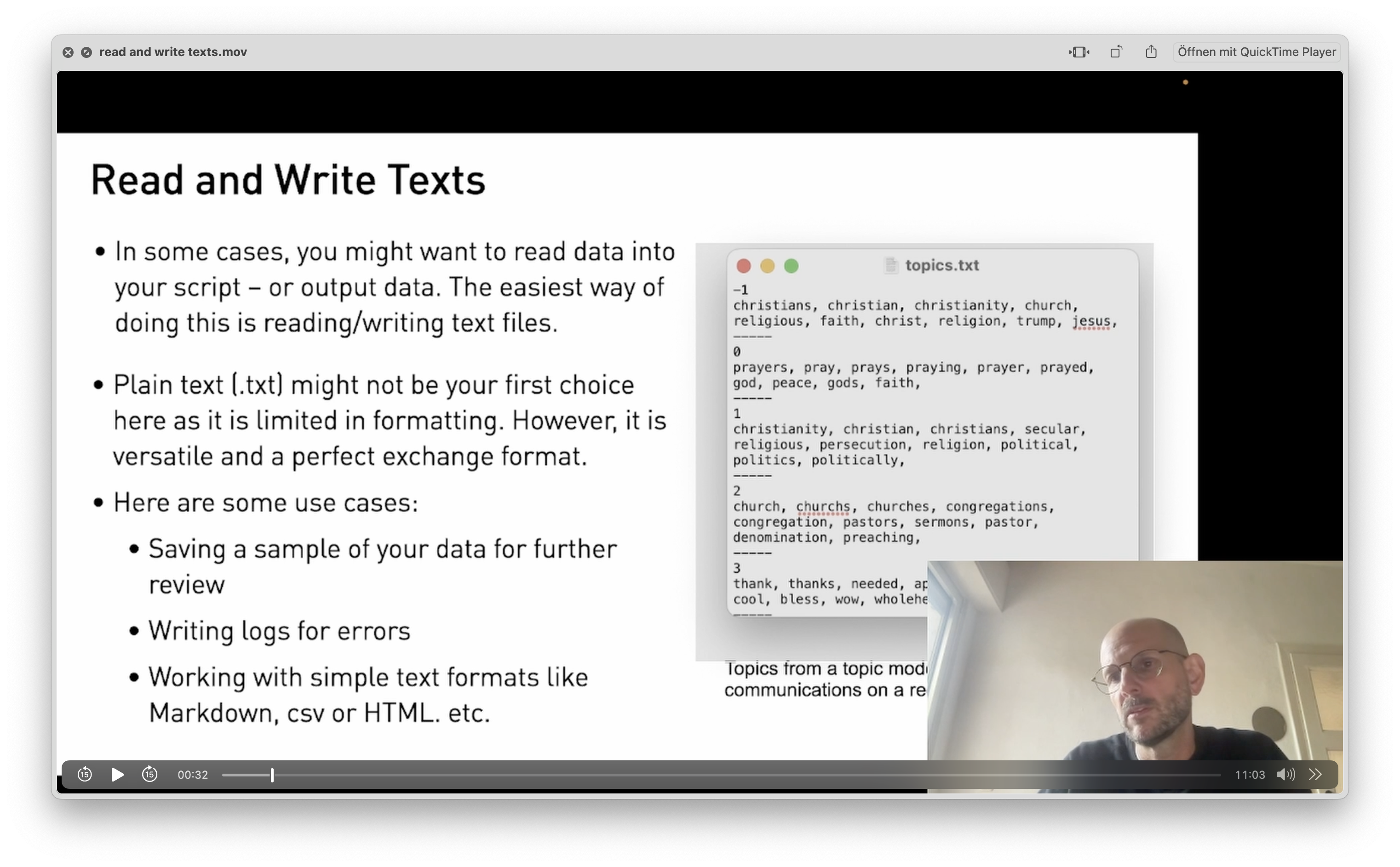
🍒 Further Food For Thought
You want to know more? Deep-dive into this notebook to explore a little project with comments from Reddit that we import and analyze:
Unit 5: Working with Text. The notebook is protected, but you can create a copy of it in your own Colab repository by clicking File – Save Copy in Drive.) -
🚀 Video Introduction (11 Minutes)
Textfiles are a simple and versatile way to access your data and export them to other applications. With the open()-function you can both read and write texts in Python.
keywords: with open(), write(), read()
🧨 Application (11 Minutes)
We import KeyBert, a powerful library that recognizes important words in a text. KeyBert draws on Google's transformer BERT and is your first step toward topic modeling.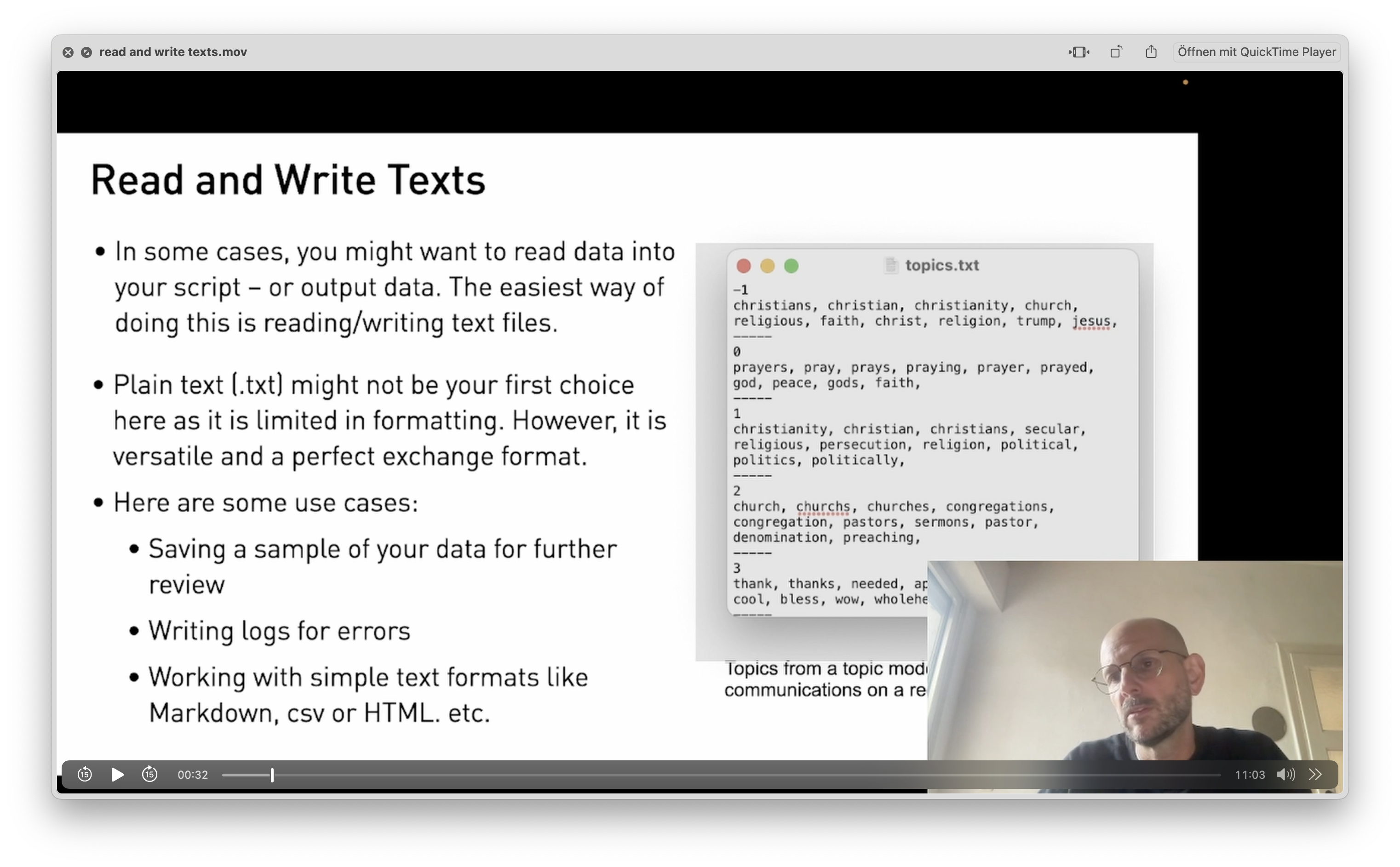
🍒 Further Food For Thought
You want to know more? Deep-dive into this notebook to explore a little project with comments from Reddit that we import and analyze:
Unit 5: Working with Text. The notebook is protected, but you can create a copy of it in your own Colab repository by clicking File – Save Copy in Drive.)
-
-
-
🚀 Video Introduction (11 Minutes)
In some cases, you need to store data that is more structured. While lists are 'flat', which means that all items appear on the same level, dictionaries offer you the possibility to create dimensions (keys) where data (values) can be stored. Think of it like the head and body of a table. In Python, dictionaries, sets and tuples bring new options to the table of data cleaning.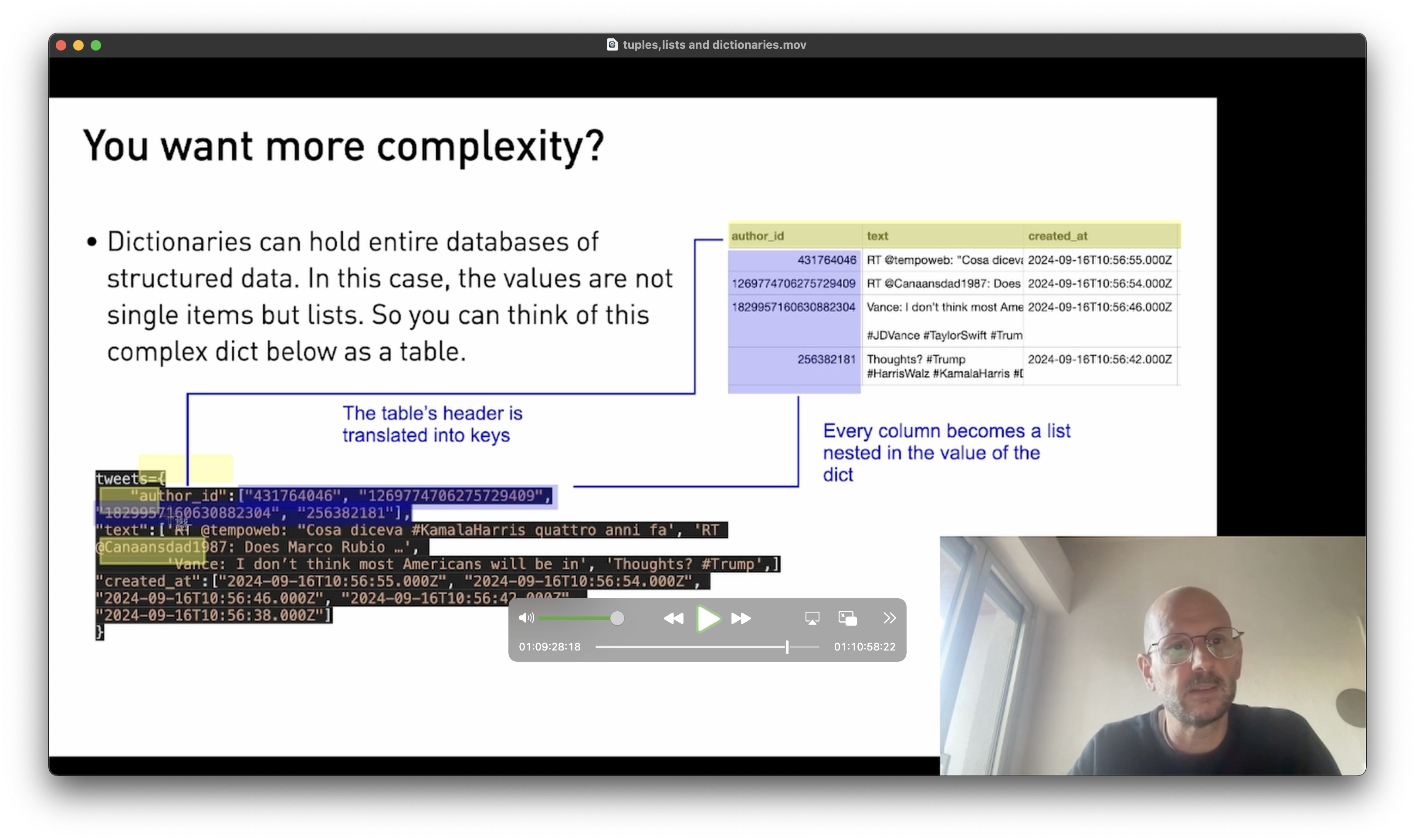
keywords: dict{}, set{},
🧨 Application (11 Minutes)
We read a list of hashtags into Python and try to make sense of it by filtering out the unique values.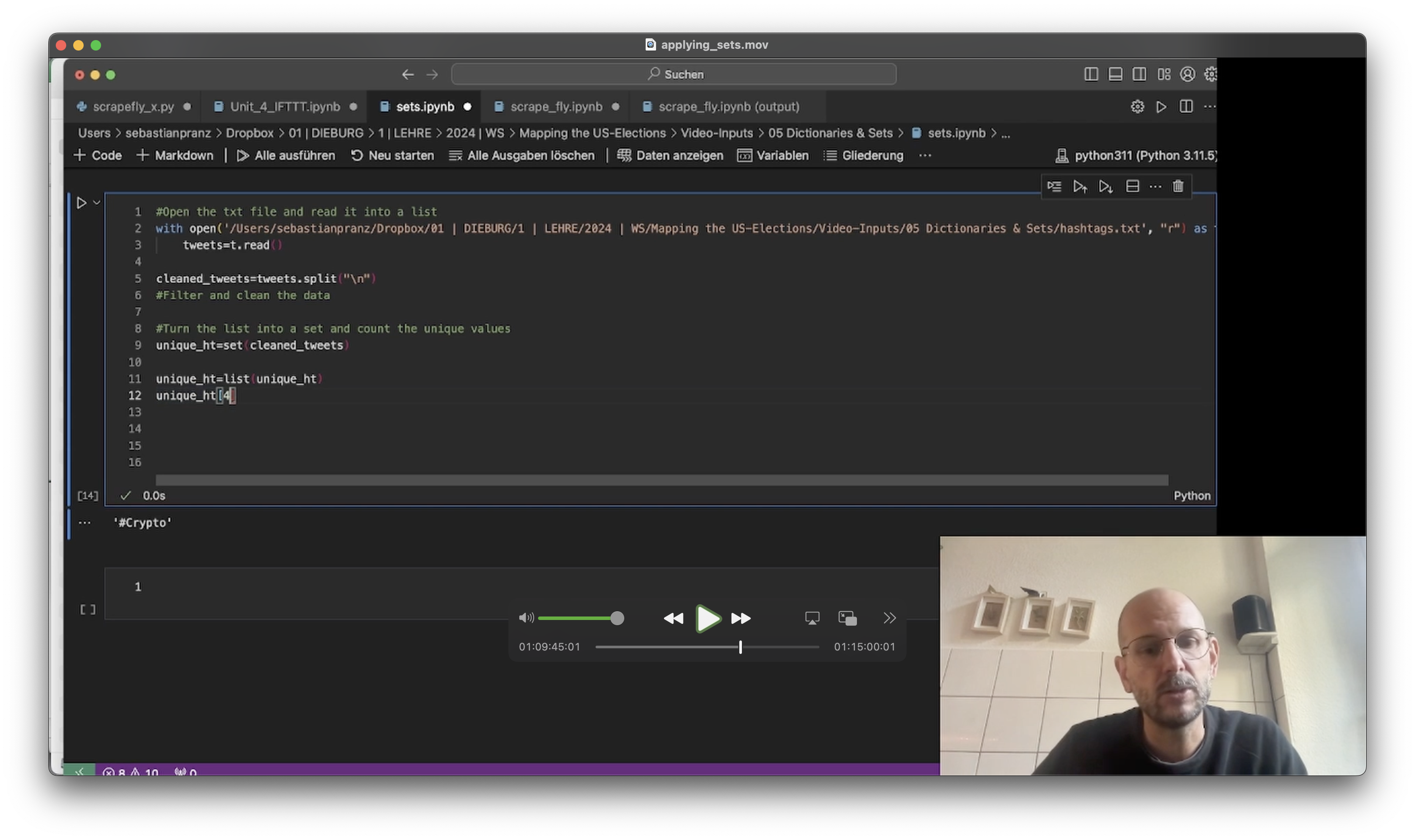 🥣 Ingredients:- A random list of hashtags: hashtags.txt
 -
🚀 Video Introduction (11 Minutes)
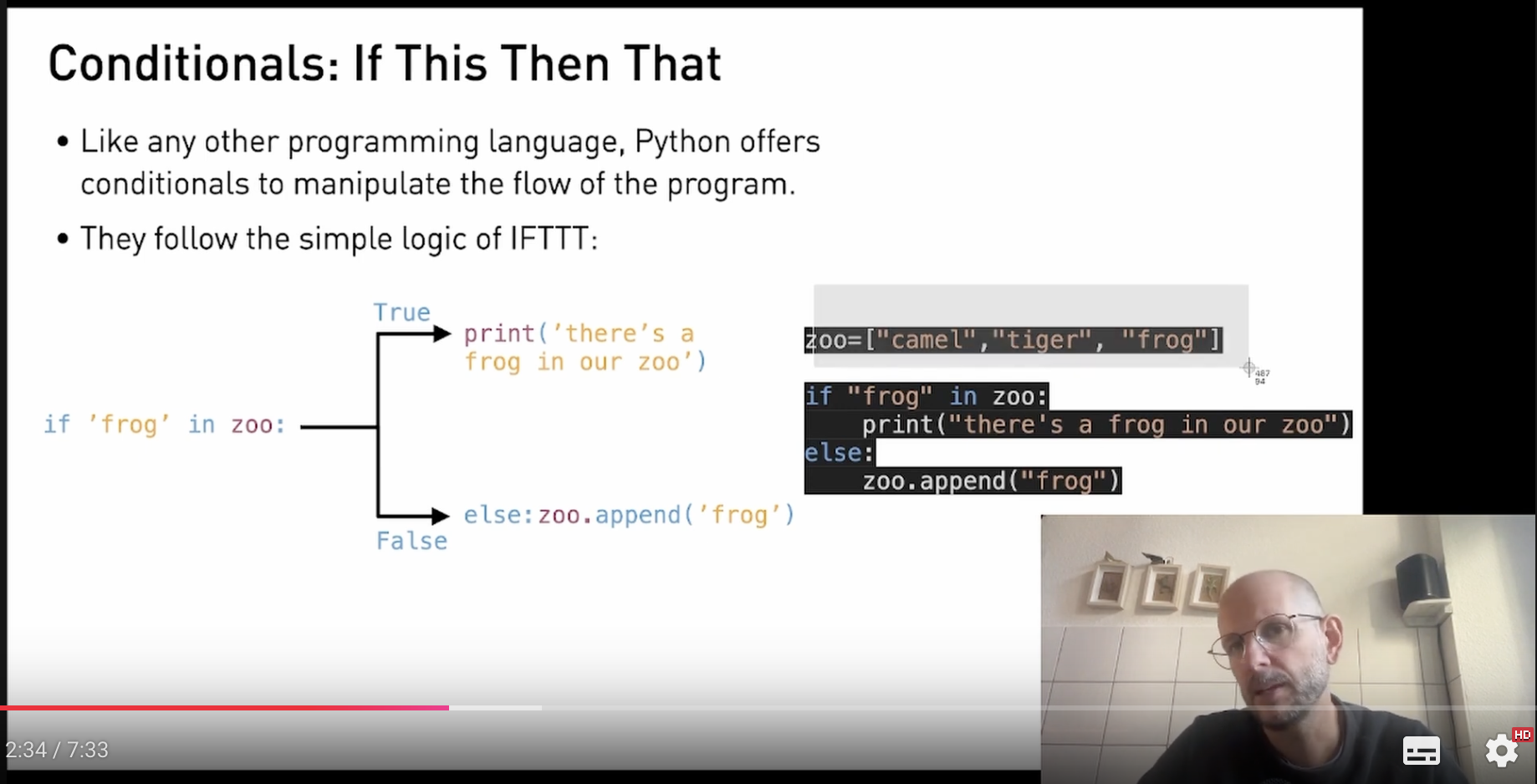
Conditionals help you to create more complex programs, taking a different direction depending on the outcome. You can use IF / ELSE to filter data and create sophisticated search queries.
keywords: if, elif, else
🧨 Application (11 Minutes)
We use conditionals to filter tweets.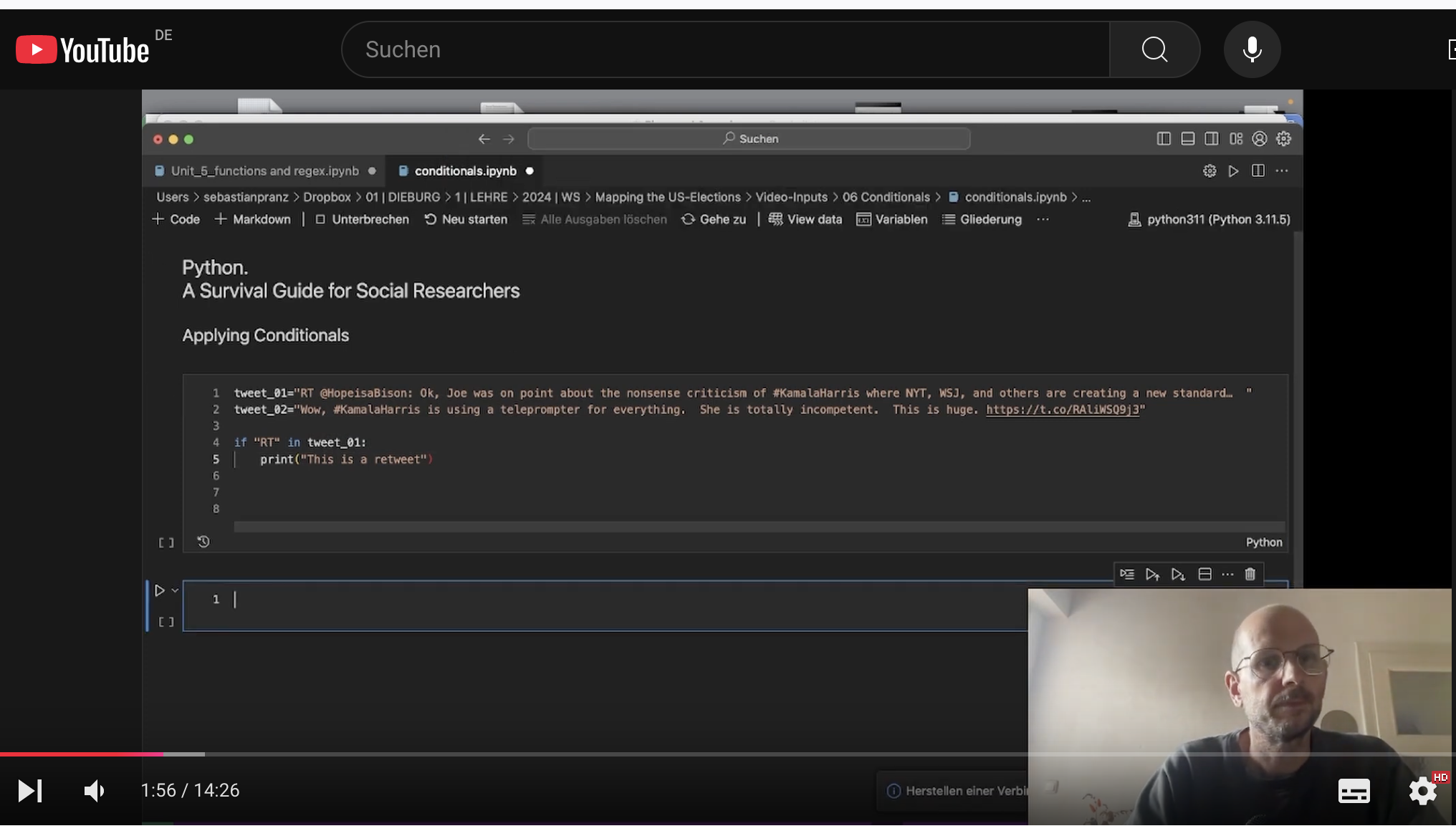
🍒 Further Food For Thought
You want to know more? Deep-dive into this notebook to explore more about lists and boolean statements. In section 3.2 we build a small chatbot that takes user input to assess medical symptoms. The notebook is protected, but you can create a copy of it in your own Colab repository by clicking File – Save Copy in Drive.)
-
-
-
🚀 Video Introduction (9 Minutes)
there might probably be a life in Python without creating your own functions – but it is stale and unfortunate. Think of functions as little (or massive) tools you build for every task appearing repeatedly in your code. In this video I show you how to create functions and use them in your code.keywords: def my_function()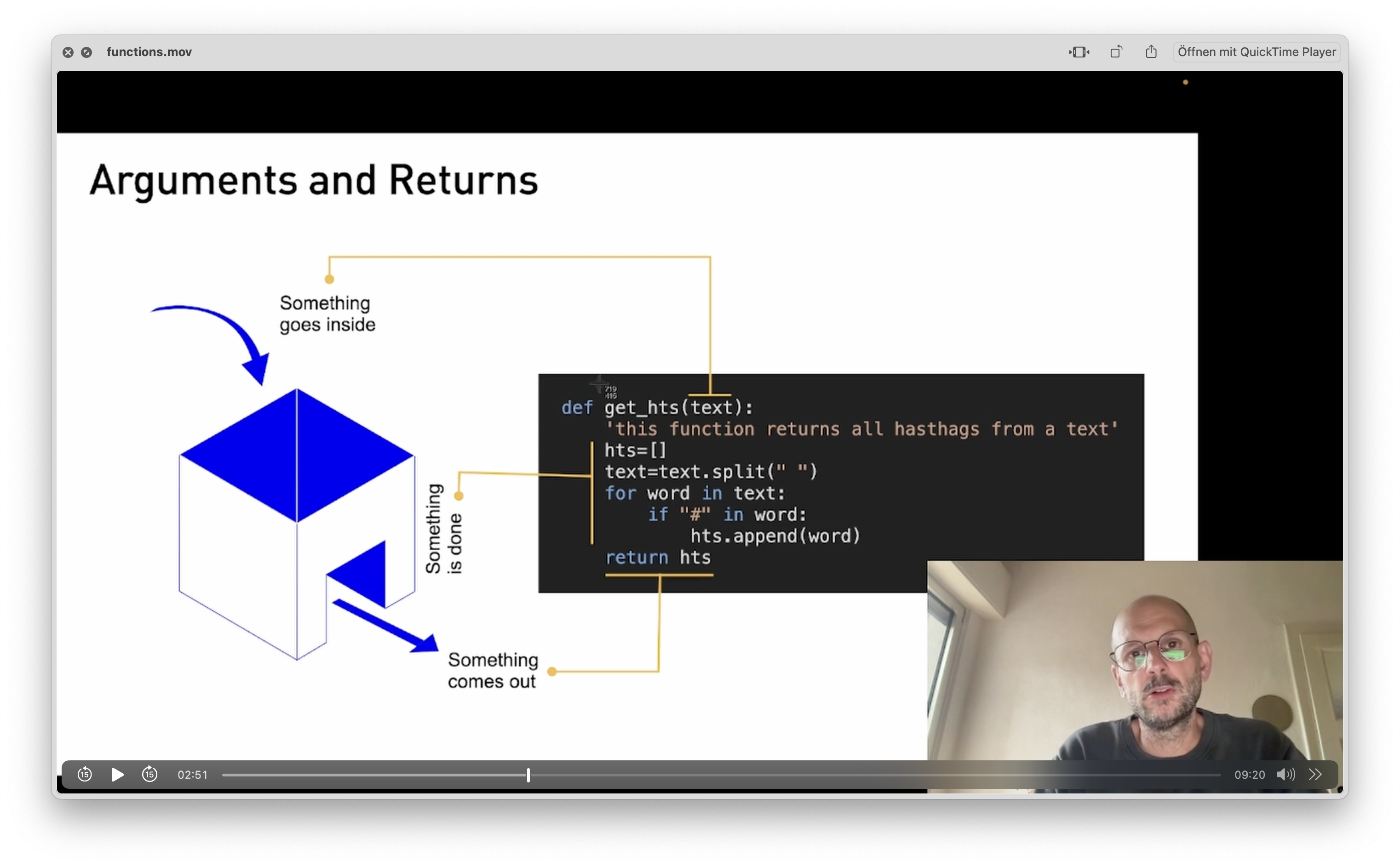
🧨 Application (11 Minutes)
We use the library flair to read sentiments from our data and build that into a function.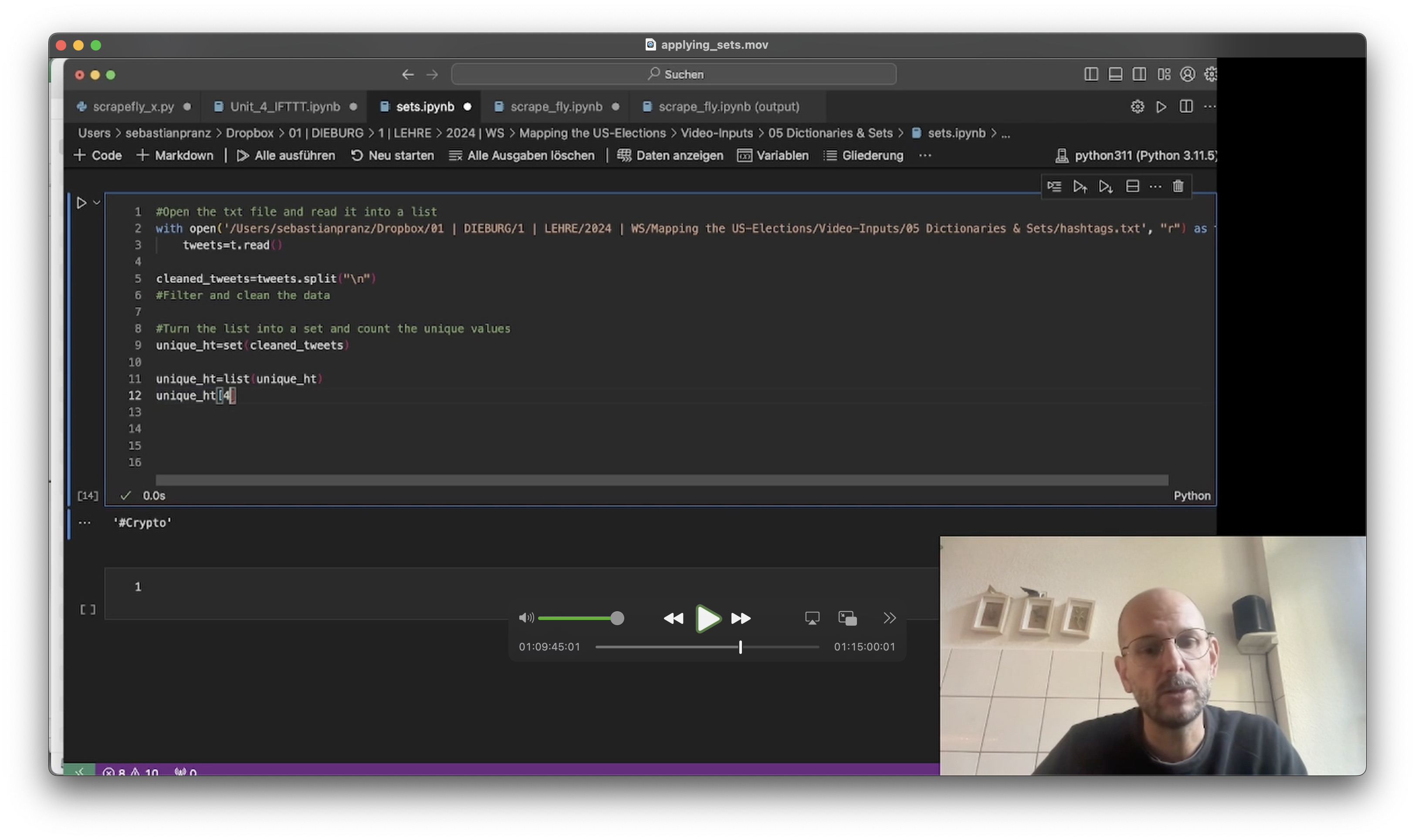
-
🚀 Video Introduction (11 Minutes)
In some cases, you need to store data that is more structured. While lists are 'flat', which means that all items appear on the same level, dictionaries offer you the possibility to create dimensions (keys) where data (values) can be stored. Think of it like the head and body of a table. In Python, dictionaries, sets and tuples bring new options to the table of data cleaning.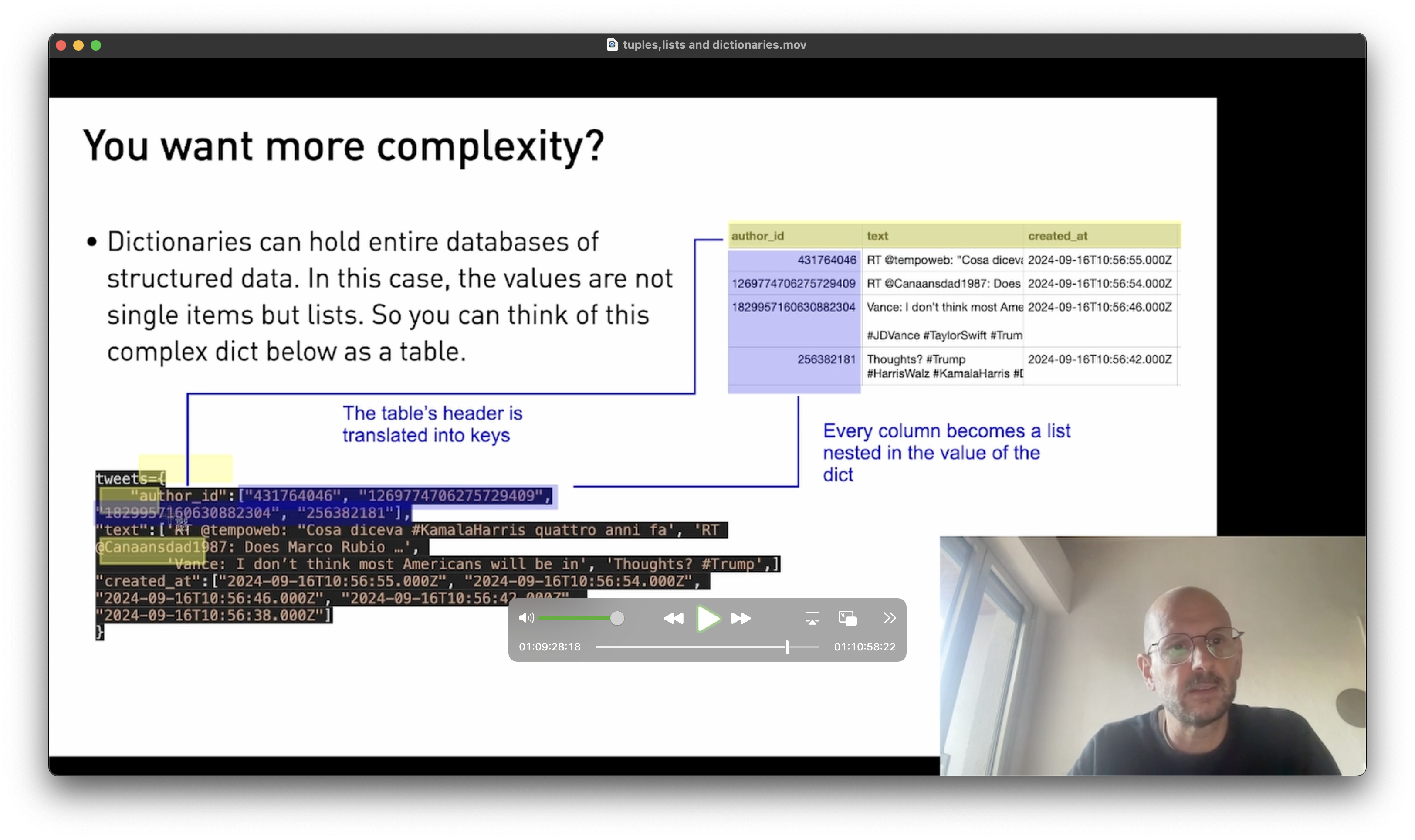
keywords: dict{}, set{},
🧨 Application (11 Minutes)
We read a list of hashtags into Python and try to make sense of it by filtering out the unique values.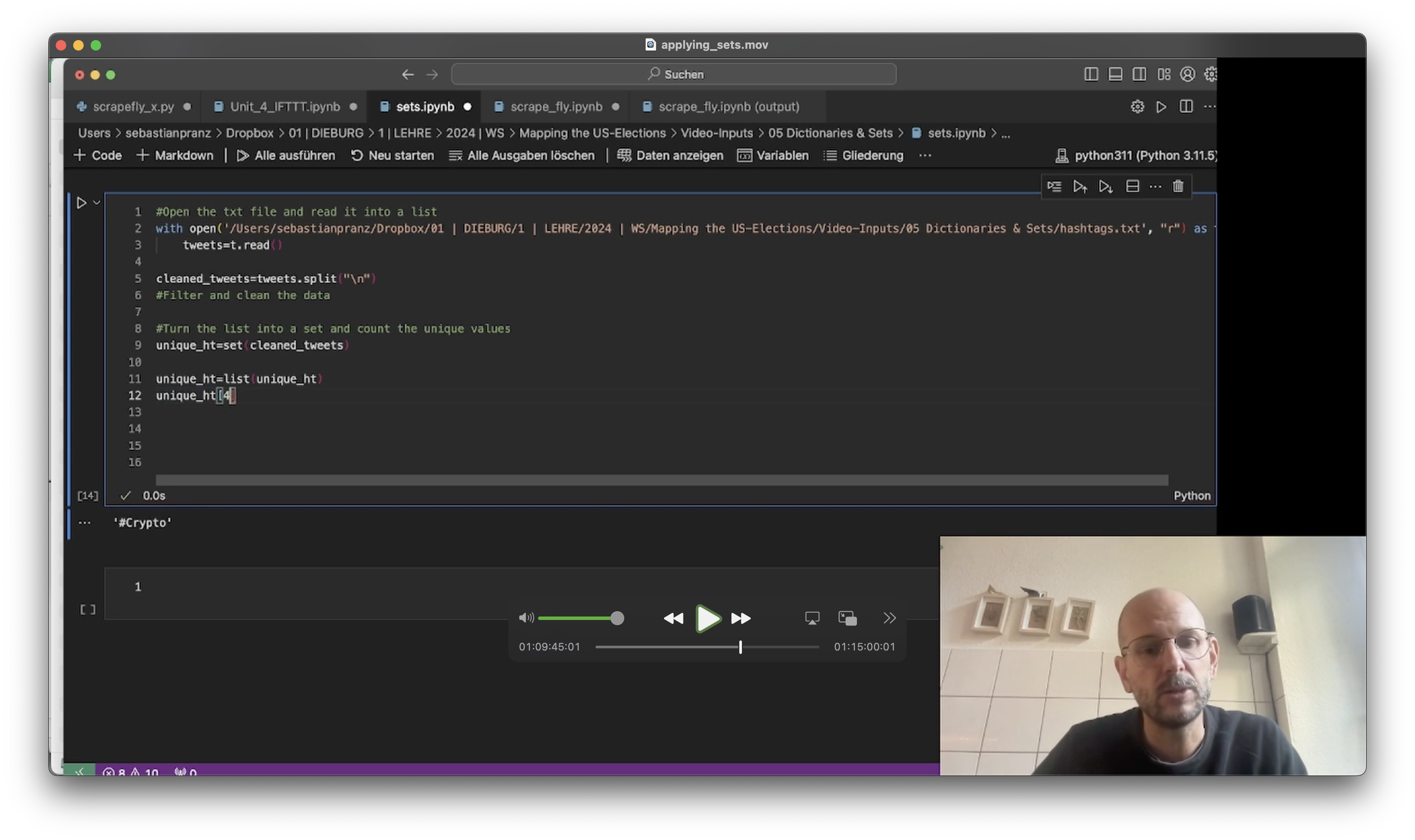 🥣 Ingredients:- A random list of hashtags: hashtags.txt
-
-
-
🚀 Video Introduction (5 Minutes)
Today, we meet another animal from the Python zoo: Pandas (which stands for panel data) is the most essential library to tackle data, and definitely worth checking out. Pandas is a sophisticated toolset allowing you to read data into a databank structure (called data frame), search through it, and perform (simple) analyses and visualizations. As most of the work with Python includes data (text/numbers/metadata), Pandas is the backbone of many projects.keywords: import pandas as pd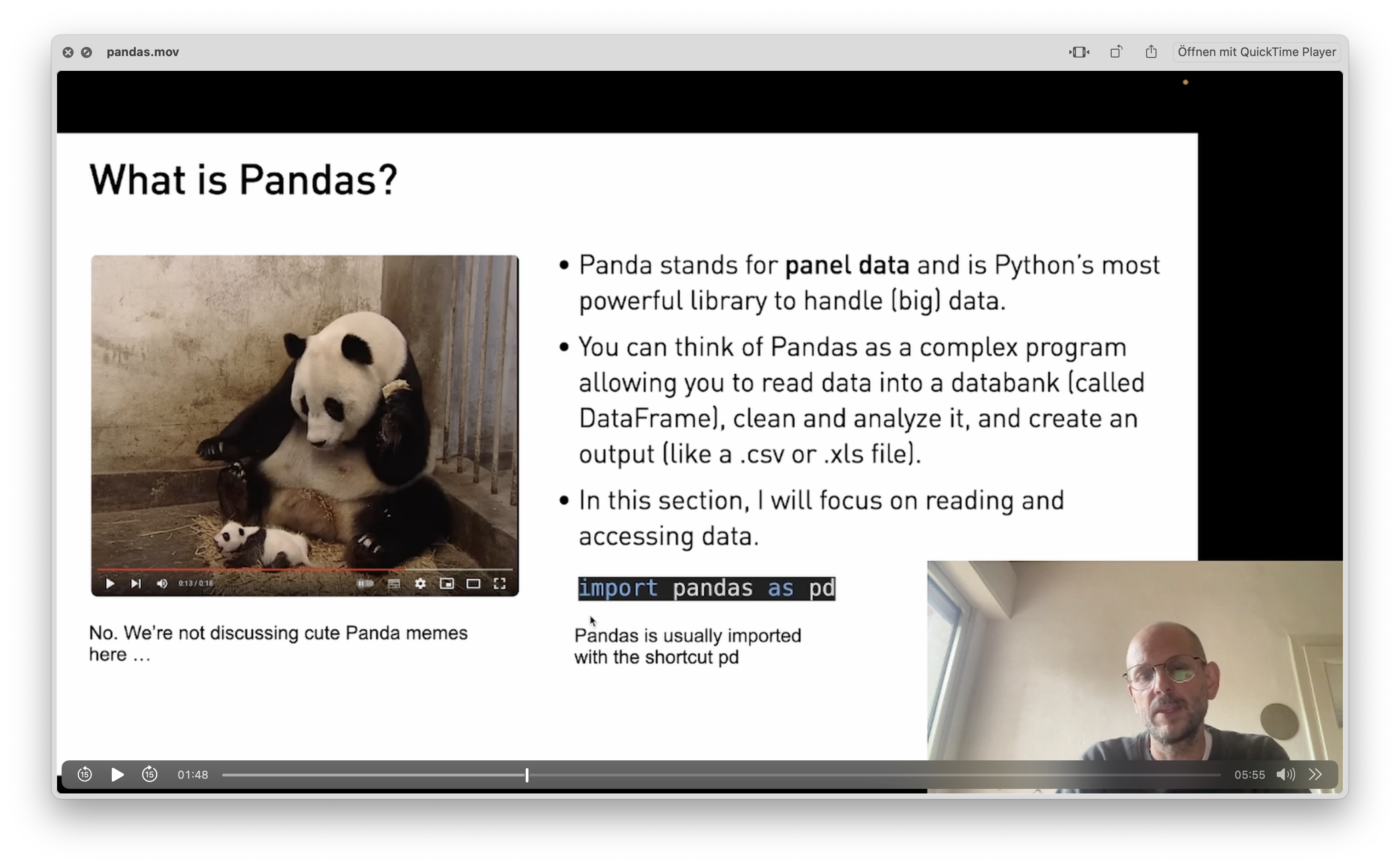
🧨 Application (19 Minutes)
We use pandas to read a dataset of Elon Musk's tweets into a data frame.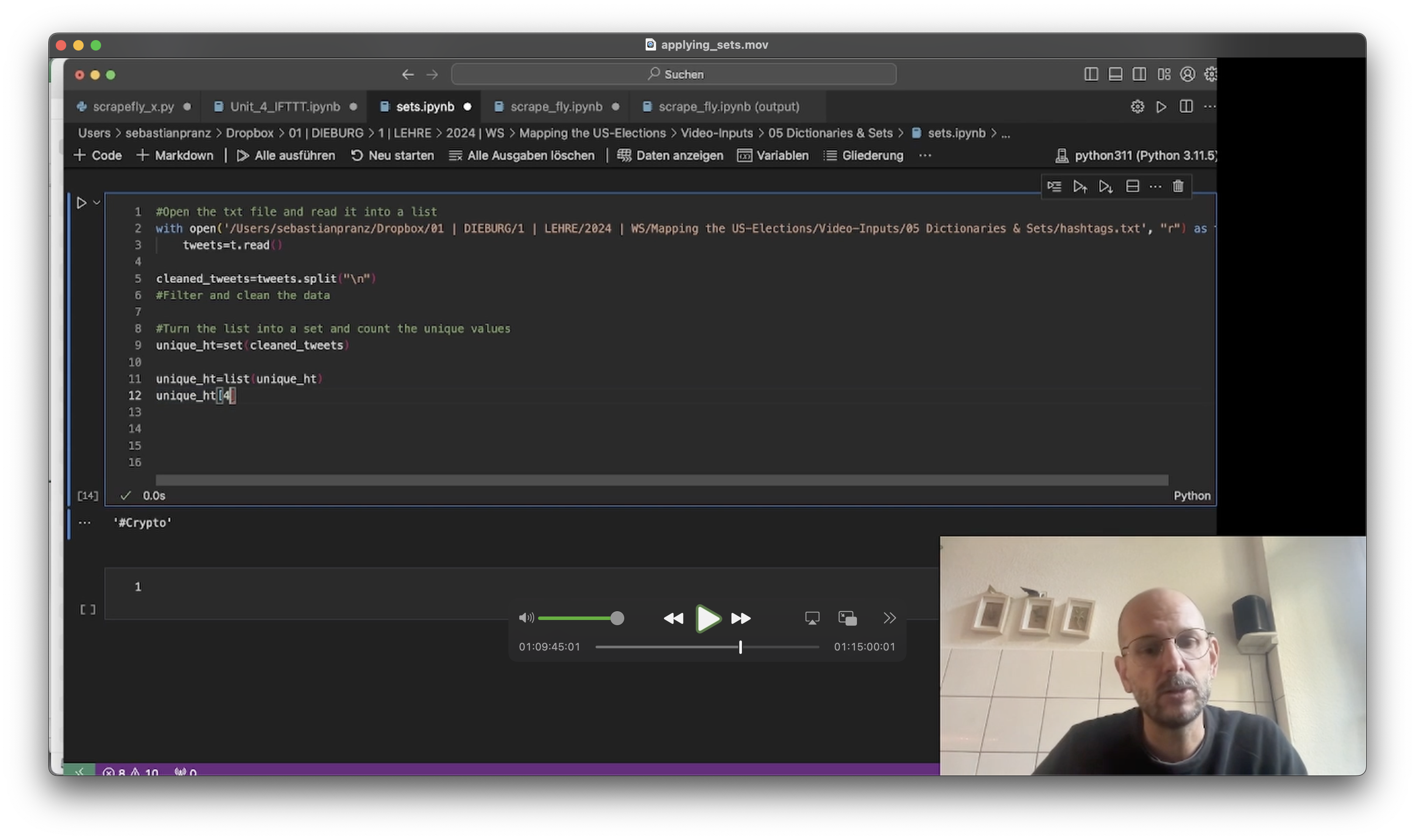
🍒 Further Food For Thought
If you want to learn more about pandas, I recommend the excellent videos by data scientist Rob Mulla. You can start with his excellent introduction to Pandas.
-
🚀 Video Introduction (9 Minutes)
there might probably be a life in Python without creating your own functions – but it is stale and unfortunate. Think of functions as little (or massive) tools you build for every task appearing repeatedly in your code. In this video I show you how to create functions and use them in your code.keywords: def my_function()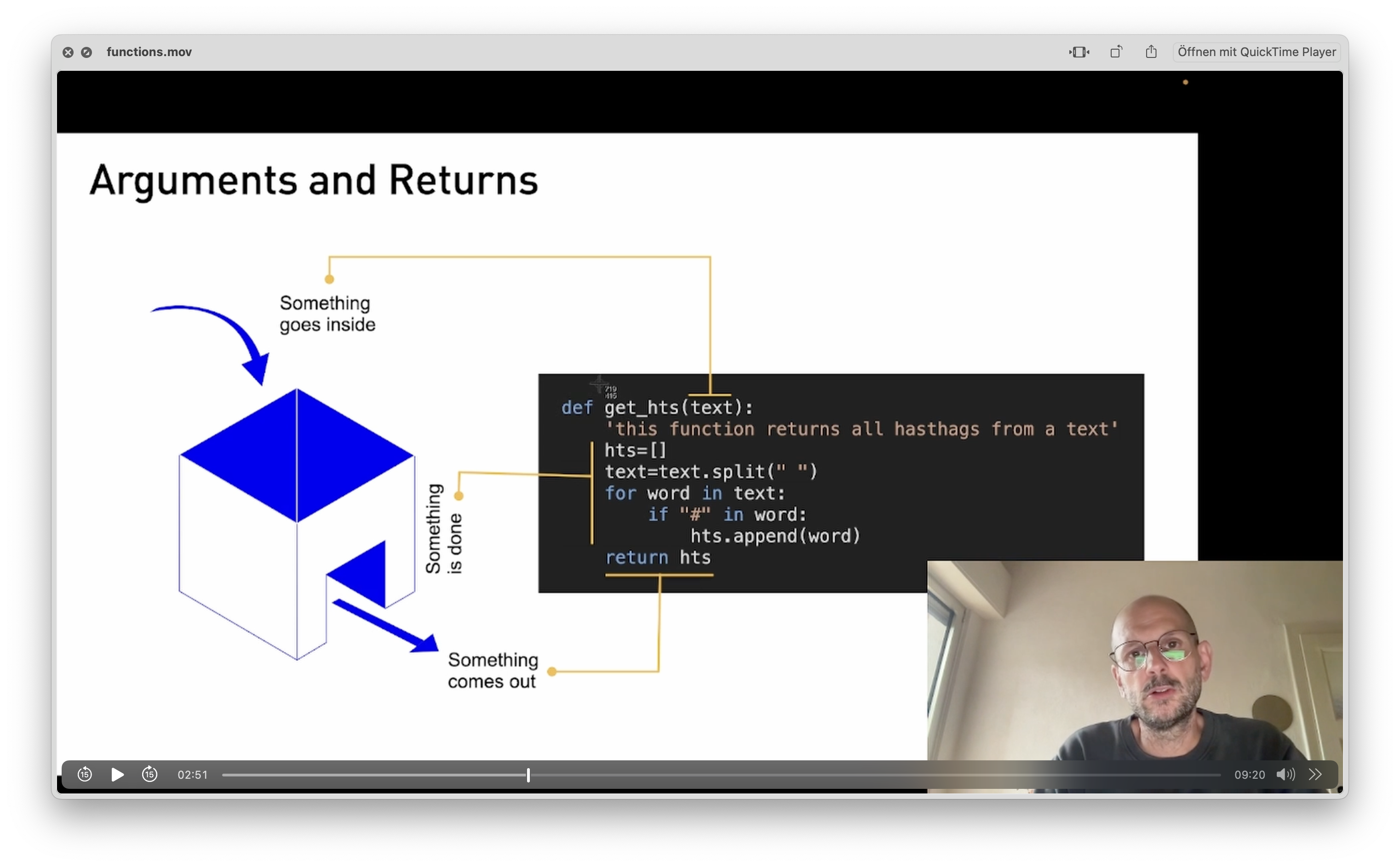
🧨 Application (11 Minutes)
We use the library flair to read sentiments from our data and build that into a function.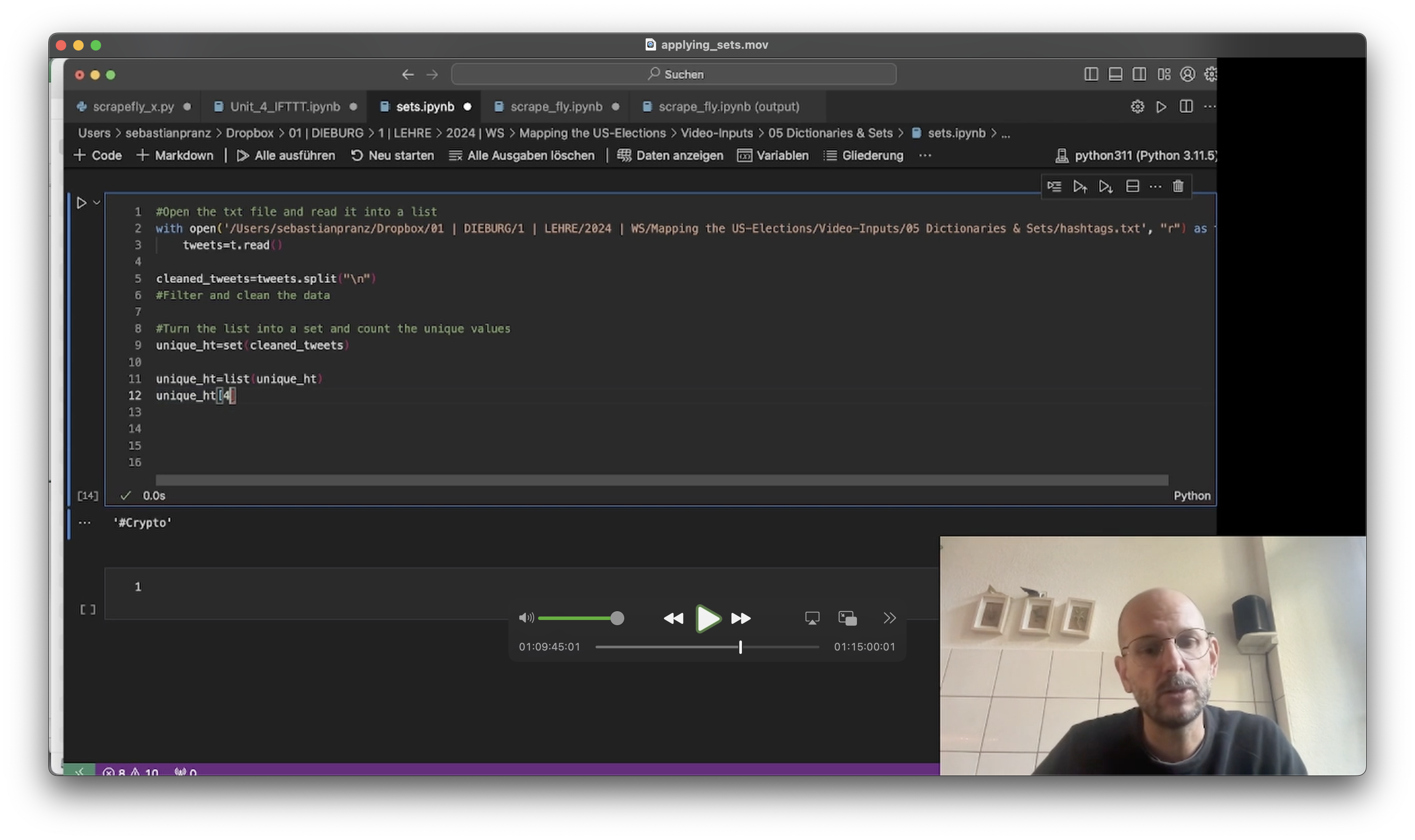
-
-
-
🚀 Video Introduction (5 Minutes)
Topic Modeling has become one of the most essential methods of analyzing big qualitative data in social and political sciences (Isoaho et al., 2021, p. 2). In this course, I introduce it as an exploratory first step to distant-read texts. Although it draws on complex statistical operations under the hood, performing a TM in Python is straight forward and only needs a few lines of code.keywords: topic, k, bert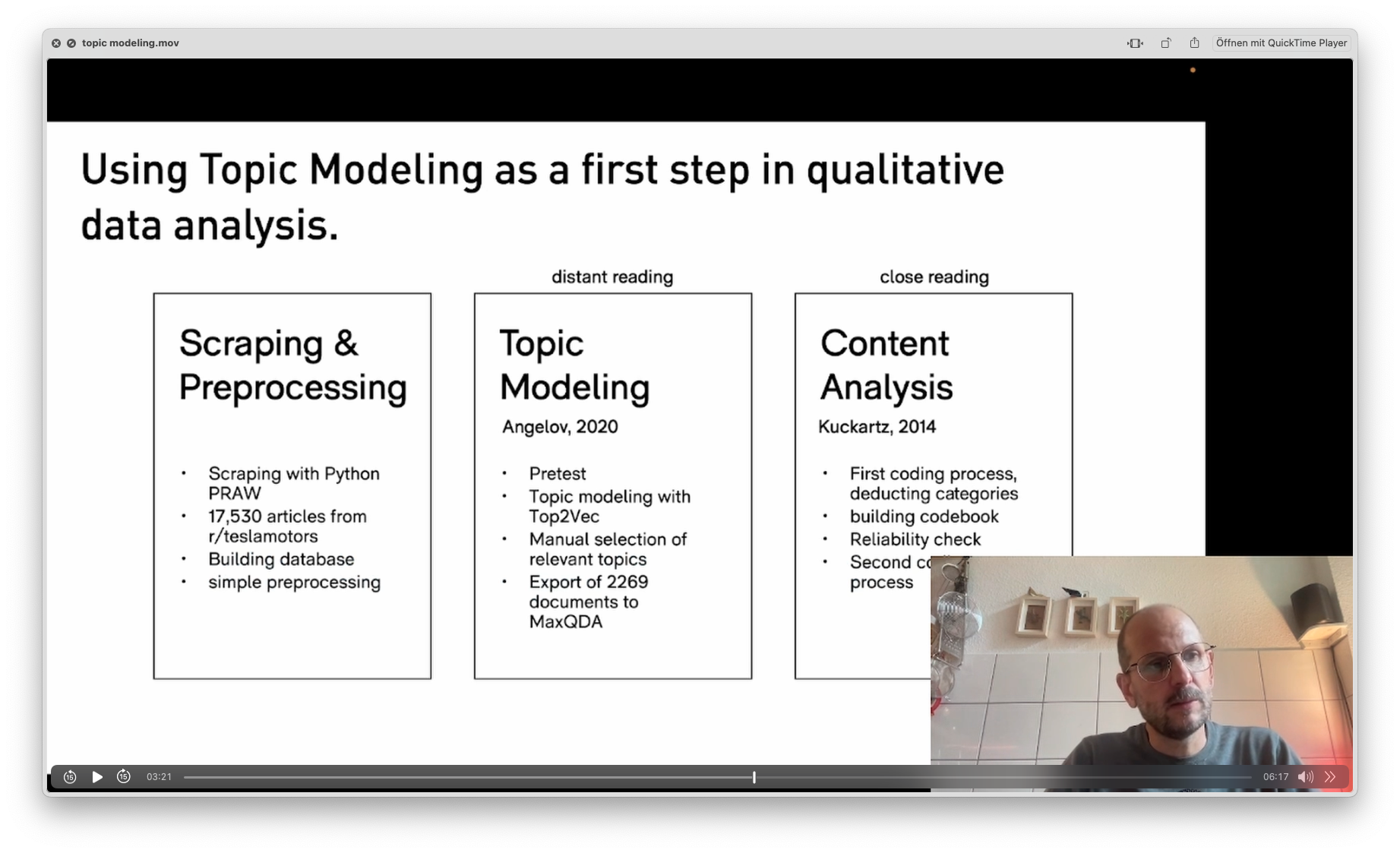
🧨 Project: Topic Modeling (25 Minutes)
We use TM to distant-read through 8.000 tweets on the US elections in 2024.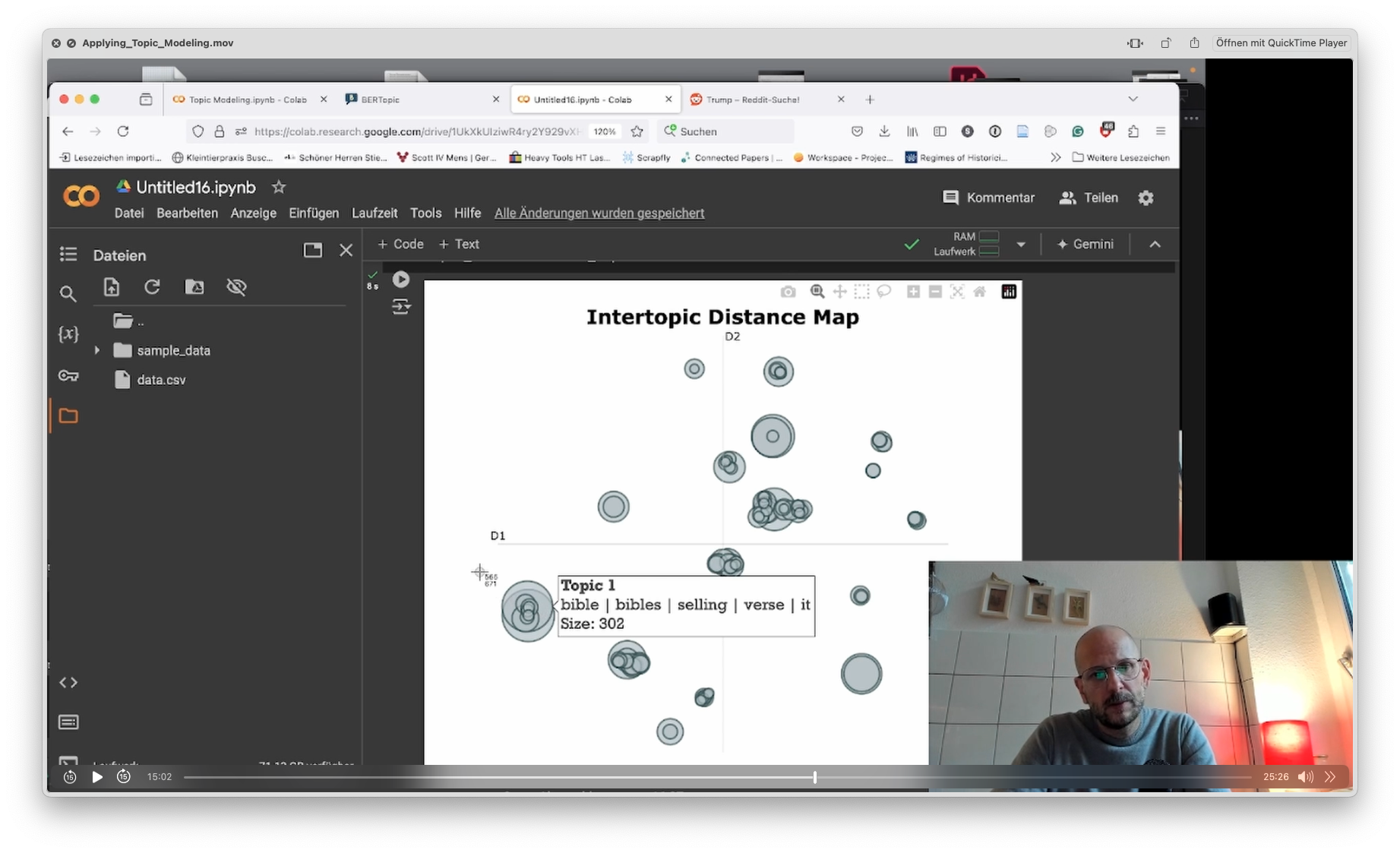 🥣 Ingredients:- as data set scraped from X in October 2024.- the powerful library BERTopic (use
pip install bertopic)🍒 Further Food For Thought
If you are interested in introducing TM in a research paper, here're some sources to start from:
-
🚀 Video Introduction (5 Minutes)
Today, we meet another animal from the Python zoo: Pandas (which stands for panel data) is the most essential library to tackle data, and definitely worth checking out. Pandas is a sophisticated toolset allowing you to read data into a databank structure (called data frame), search through it, and perform (simple) analyses and visualizations. As most of the work with Python includes data (text/numbers/metadata), Pandas is the backbone of many projects.keywords: import pandas as pd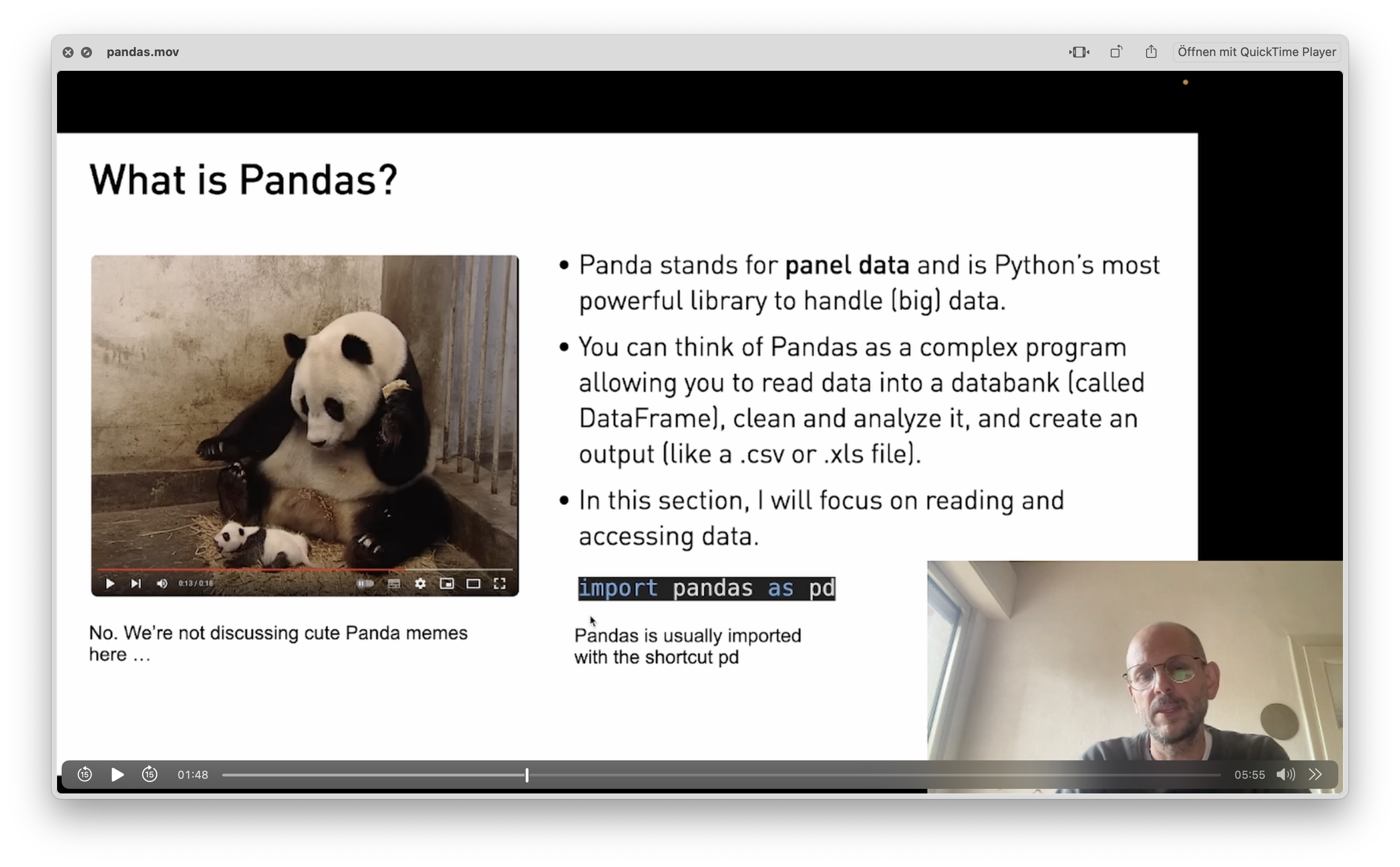
🧨 Application (19 Minutes)
We use pandas to read a dataset of Elon Musk's tweets into a data frame.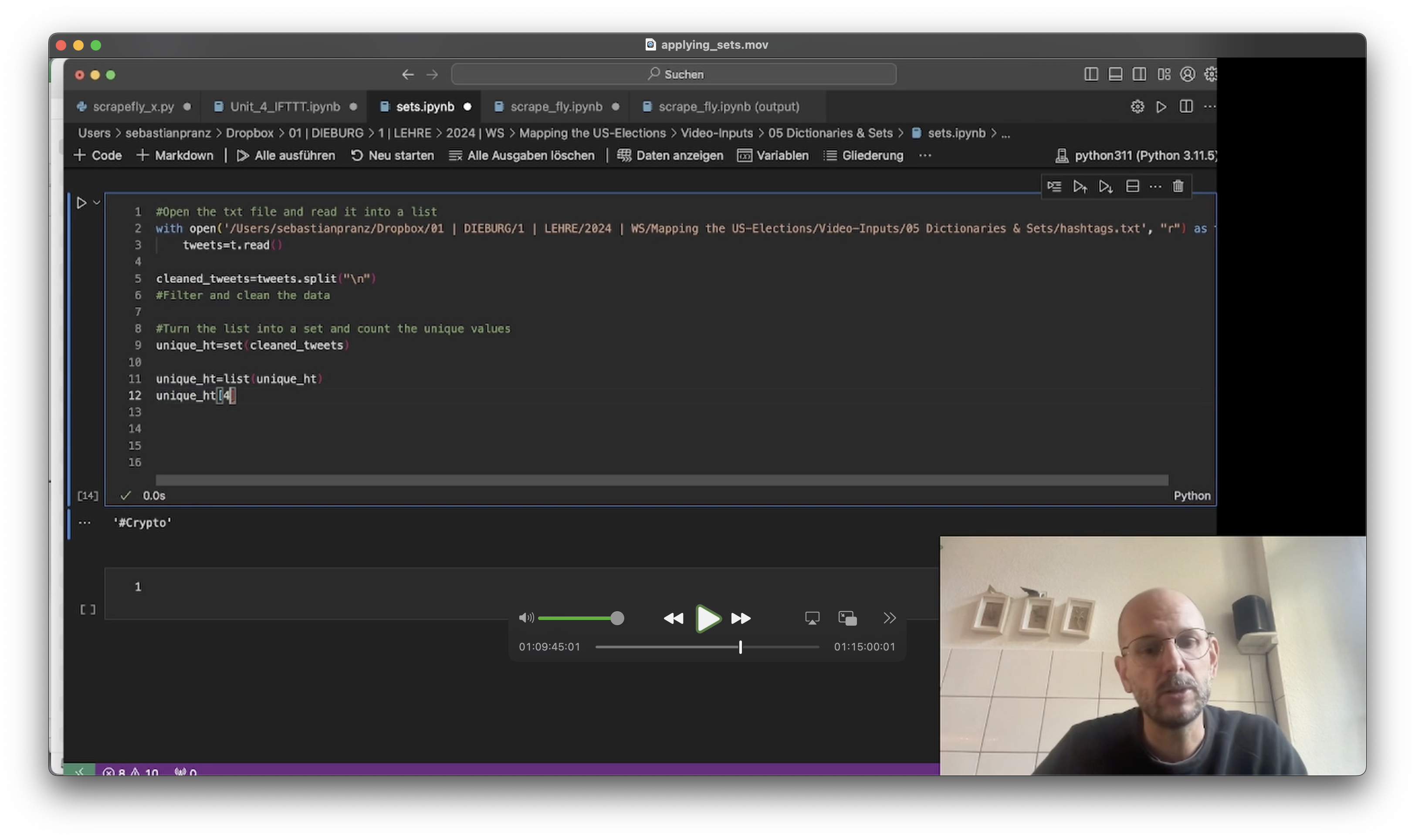
🍒 Further Food For Thought
Wonder how a hashtag appears over time? Here's a working Notebook that creates a timeline and performs other data queries.
If you want to learn more about pandas, I recommend the excellent videos by data scientist Rob Mulla. You can start with his excellent introduction to Pandas.
-
-
-
🧨 Project: Sentiment Analysis (45 Minutes)
A sentiment is yet another method to distant-read texts and find out something about their sentiments. Sentiment Analysis are used in tracking stock exchange communication or monitor brand acceptance. However, they might also be a valuable tool for the social researcher. In this project we go through the complete process of reading a corpus into a dataframe, extracting and cleaning the text and performing a sentiment analysis on it.keywords: topic, k, bert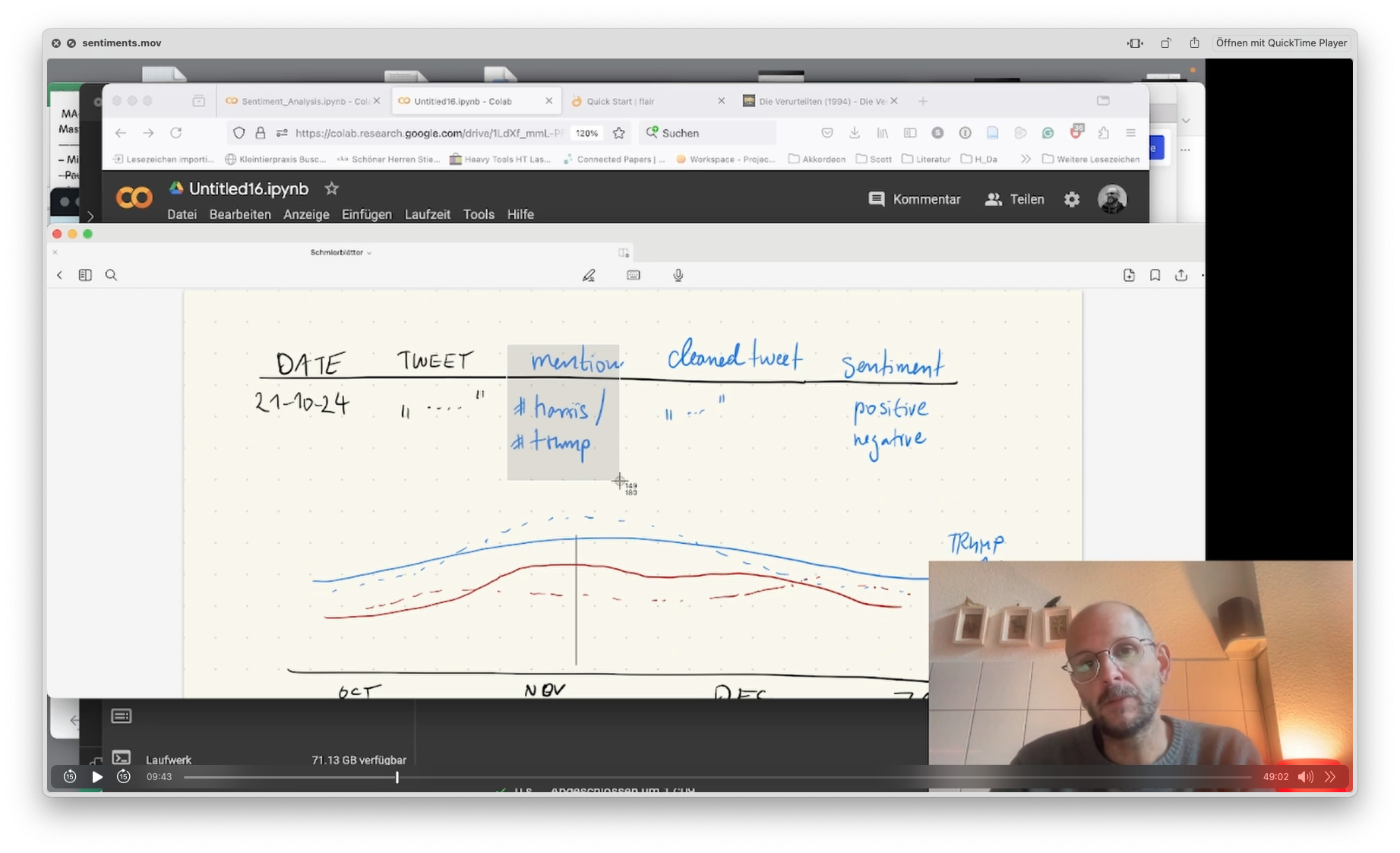 🥣 Ingredients:- as big data set scraped from X in October 2024.- the powerful library flair (use
pip install flair) -
🚀 Video Introduction (5 Minutes)
Topic Modeling has become one of the most essential methods of analyzing big qualitative data in social and political sciences (Isoaho et al., 2021, p. 2). In this course, I introduce it as an exploratory first step to distant-read texts. Although it draws on complex statistical operations under the hood, performing a TM in Python is straight forward and only needs a few lines of code.keywords: topic, k, bert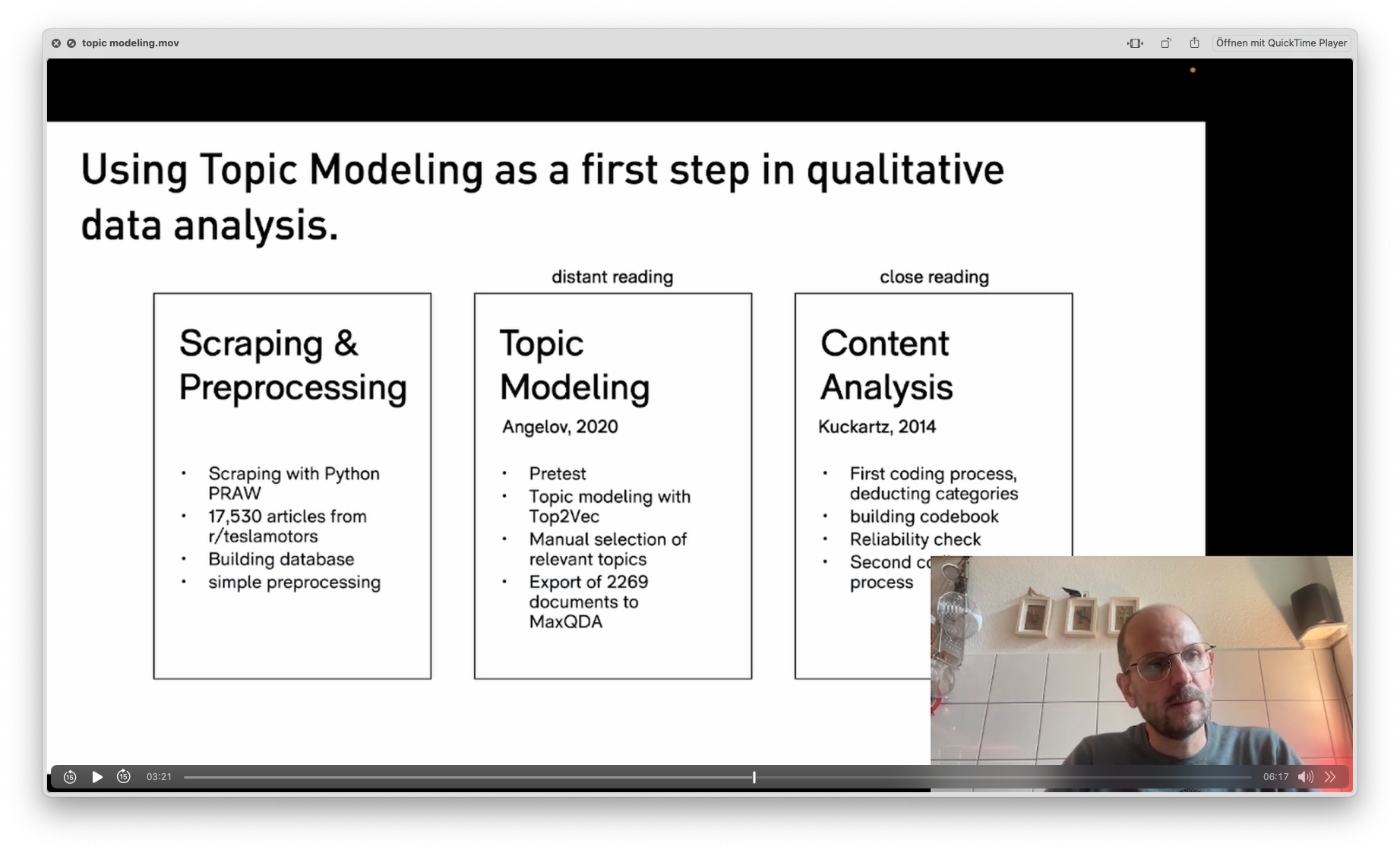
🧨 Project: Topic Modeling (25 Minutes)
We use TM to distant-read through 8.000 tweets on the US elections in 2024.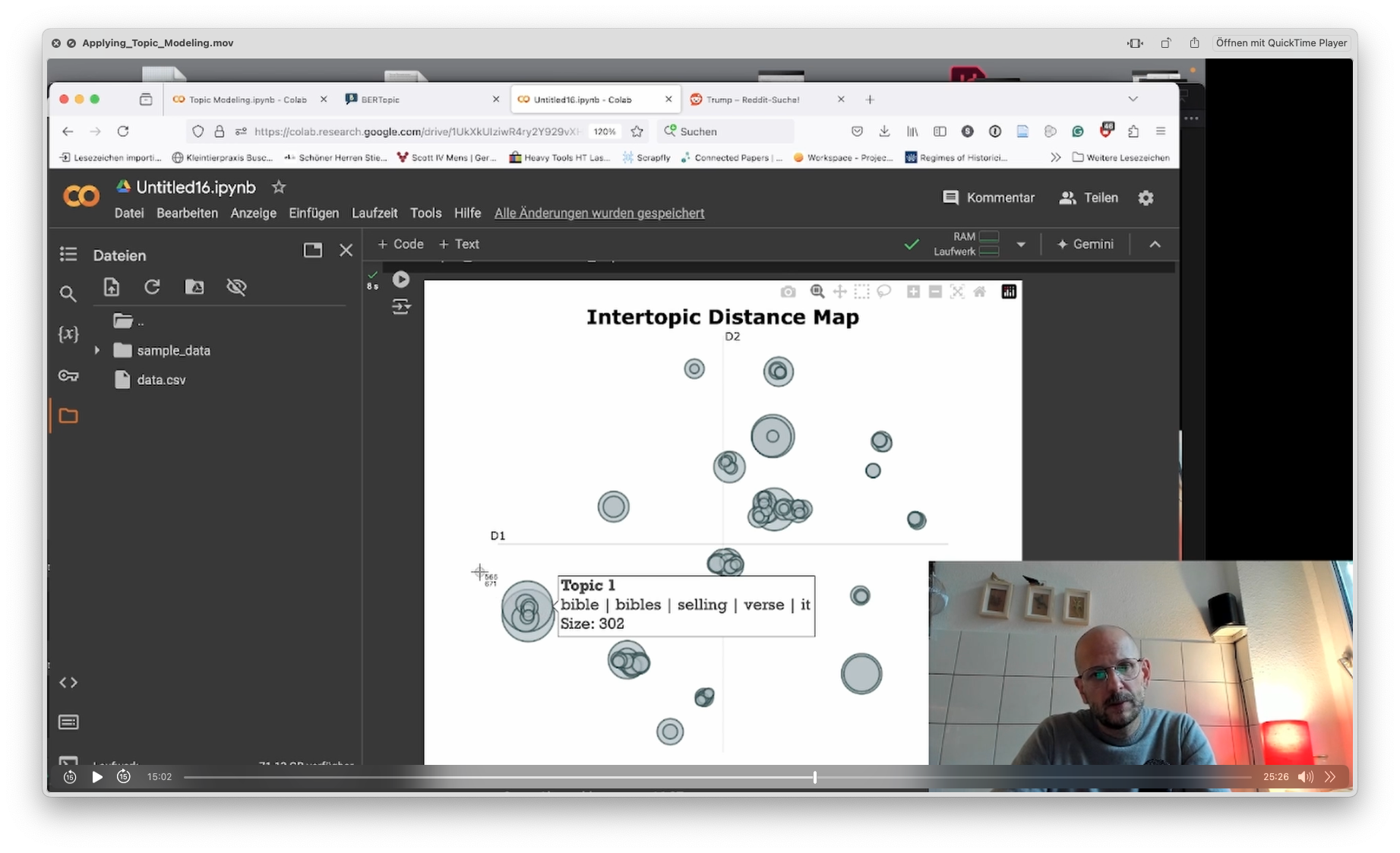 🥣 Ingredients:- as data set scraped from X in October 2024.- the powerful library BERTopic (use
pip install bertopic)- here's a fully working notebook to perform your own topic modeling, featuring a timeline for selected topics using bokeh.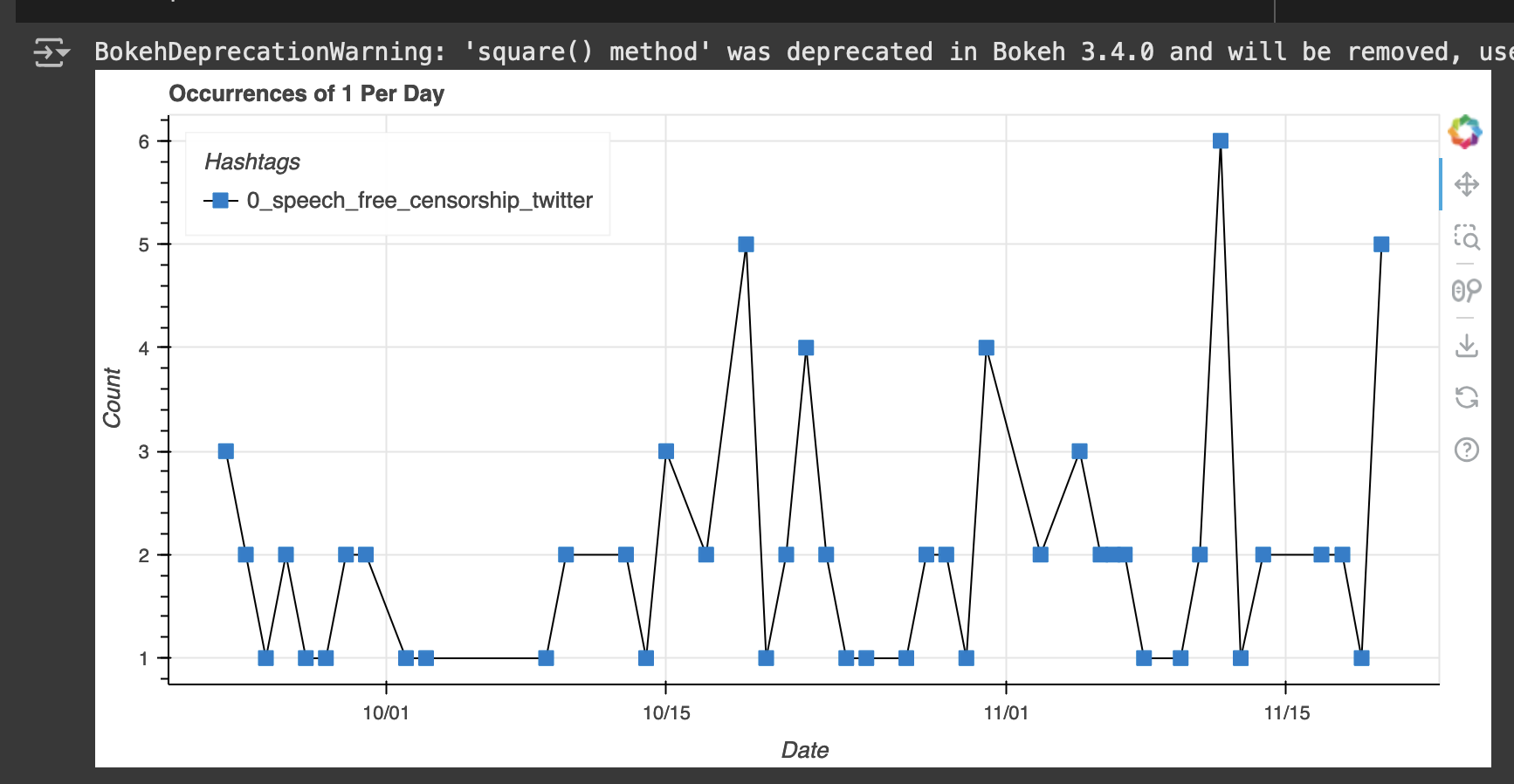
🍒 Further Food For Thought
If you are interested in introducing TM in a research paper, here're some sources to start from:
-
-
-
🧨 Project: Scraping Reddit
Reddit is a complex microcosm hosting a trillion of public subspheres, which makes scraping Reddit interesting for the social researcher. In this project, we will use the powerful library PRAW to get data from Reddit APIs; before you start, please make sure to follow this short tutorial below to create your own developer account. Also, please make sure to check PRAWs documentation for further options.You can either use this preconfigured notebook, which can be modified according to your needs, or follow my step-by-step instructions.Part 1: Introduction, Scraping Single Comments (25 minutes)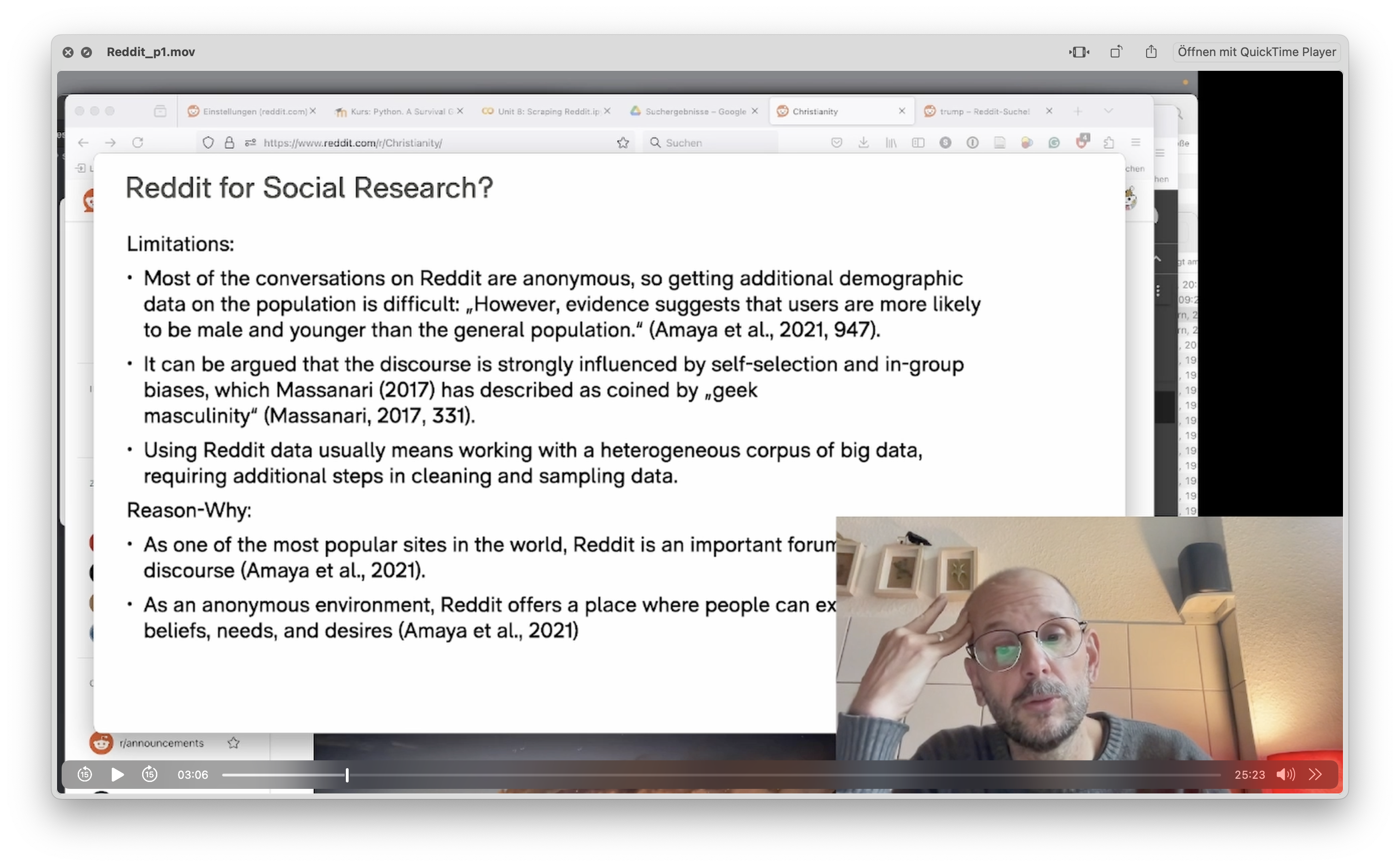 Part 2: Building a Scraper, Scraping Entire Queries (22 minutes)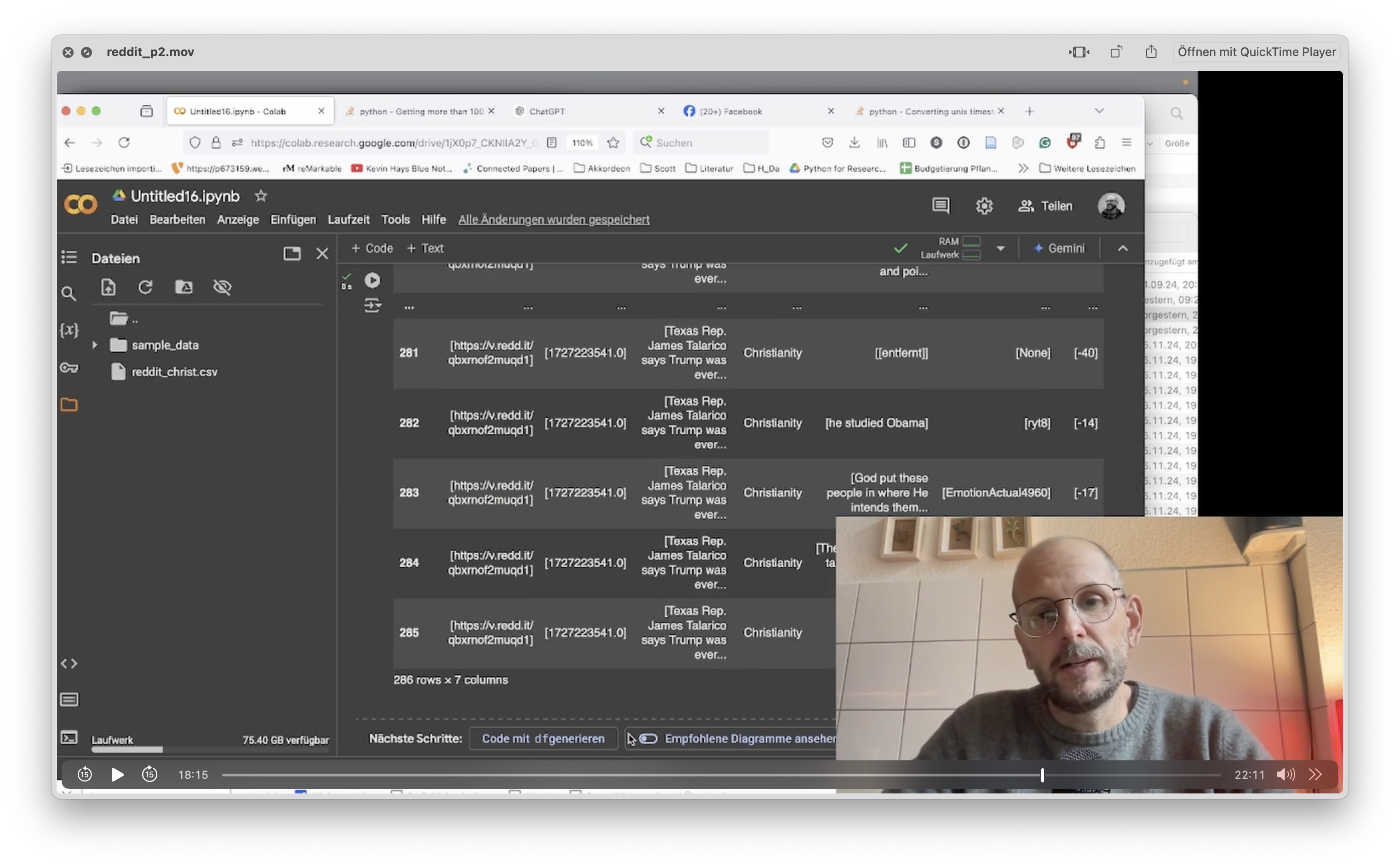
-
🥣 Ingredients: Setting up a Reddit Account
PRAW uses Reddit’s API – which you can think of as a backdoor to Reddit’s database. To use the library you first have to get a Reddit account and then create an ‚app‘ for scraping. Please follow these instructions:
- Go to reddit.com and register as a user
2. Once you’re logged in, please see this site, which is Reddits developers section. - Click on ‚create new app’
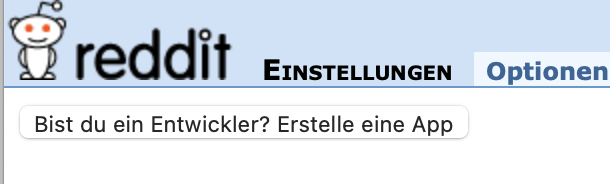
- make sure to choose ’script and provide the ‚name‘ and ‚developer. Redirect URL can be any url or left bank.
3. After finishing you can copy the following information to your Python script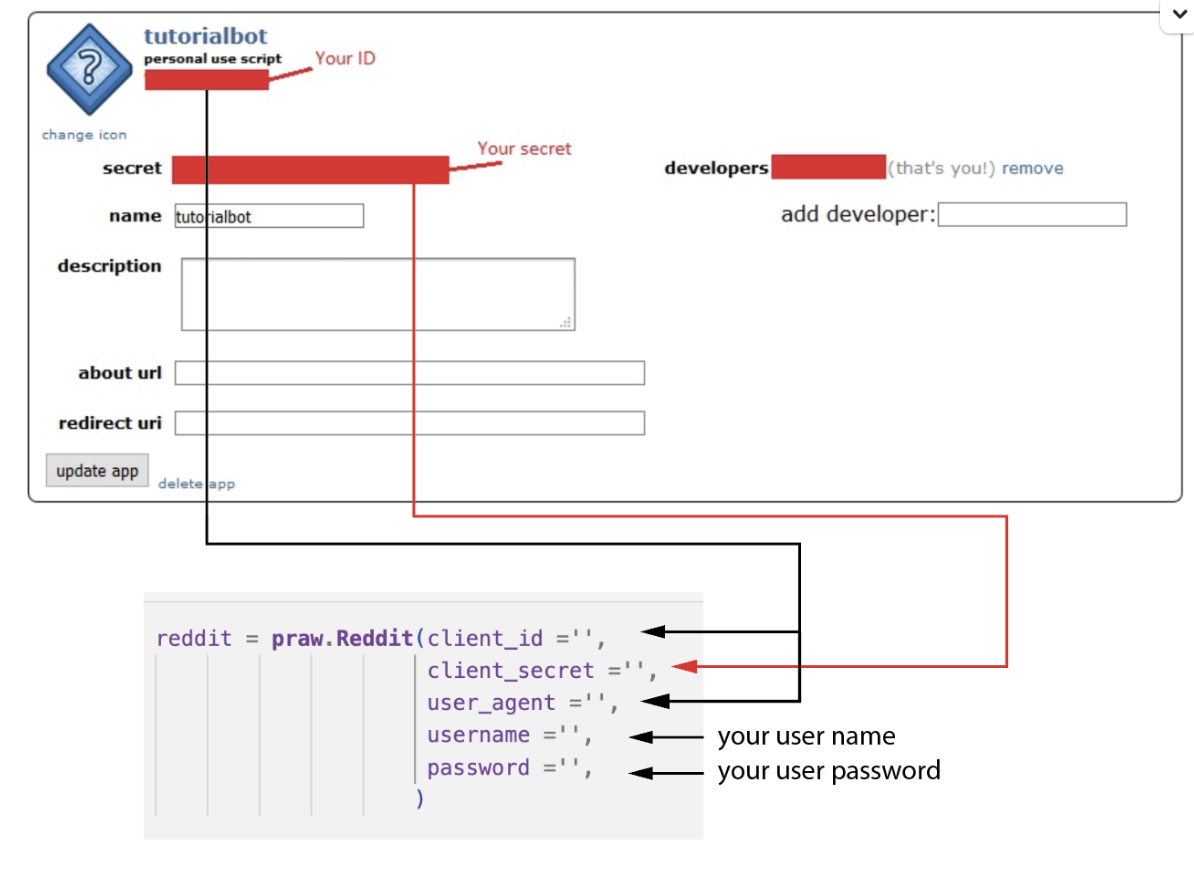
- Go to reddit.com and register as a user
-
🧨 Project: Renaming Papers from Sage (28 +25 Minutes)
This project is based on a program I use on a daily basis when researching literature. It take a messy filename like mcdonnell-et-al-2023-this-is-your-brain-on-autopilot-2-0-the-influence-of-practice-on-driver-workload-and-engagement and turns into something readable like McDonnell (2023). This Is Your Brain on Autopilot 2.0 - The Influence of Practice on Driver Workload and Engagement During On-Road.pdf. In this project you get to know three powerful libraries: pathlib to work with files on your computer, pyPDF2 to read pdfs and habanero to look up scholarly metadata on crossref.keywords: path, dicitionaries, lists, pdf, regexVideo 1 (Read Files, read PDFs, get DOIs)
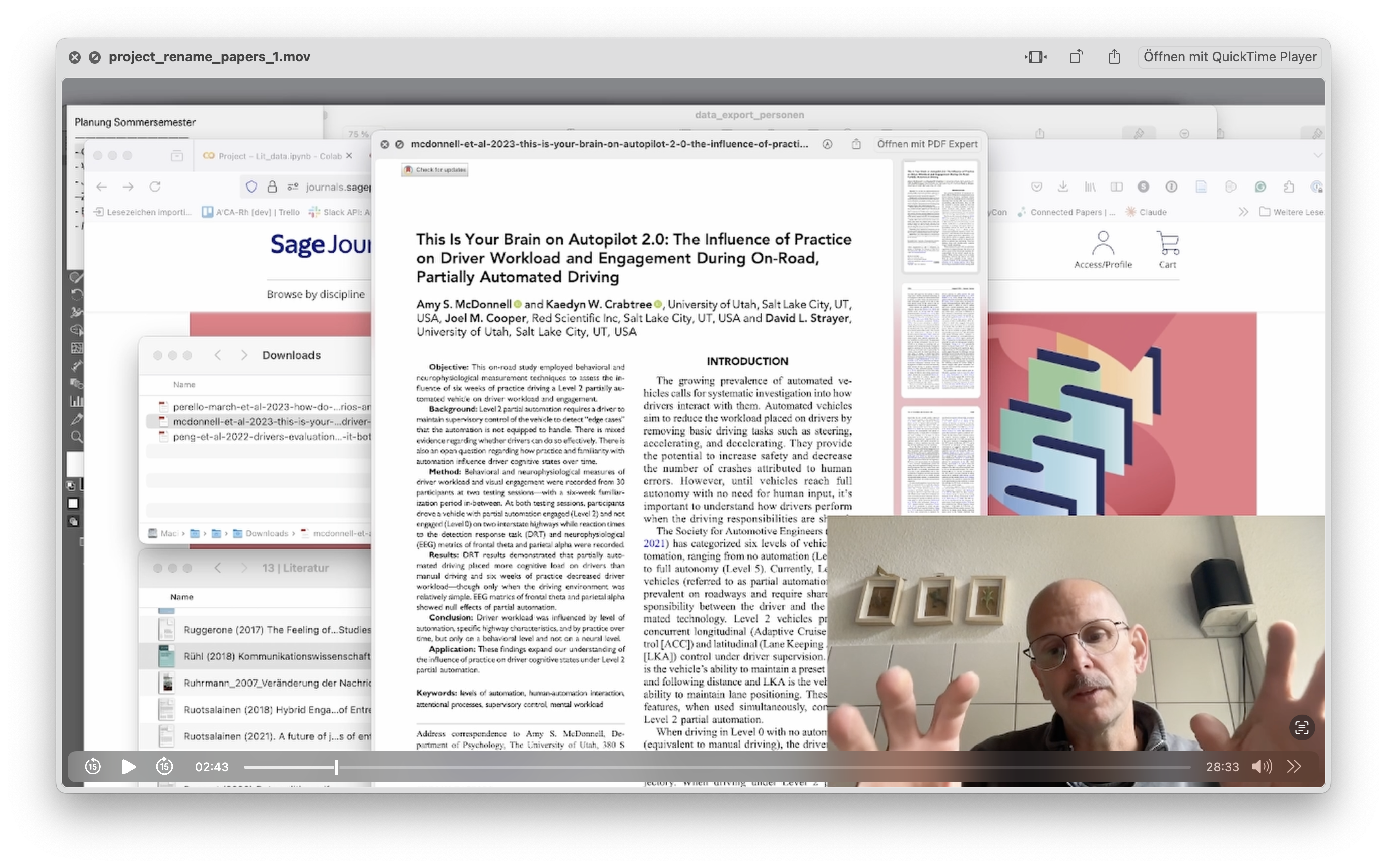
Video 2 (Get Metadata, write files)
🥣 Ingredients:- the libraries habanero, pypdf2 and pathlib (usepip install)
-
-
-
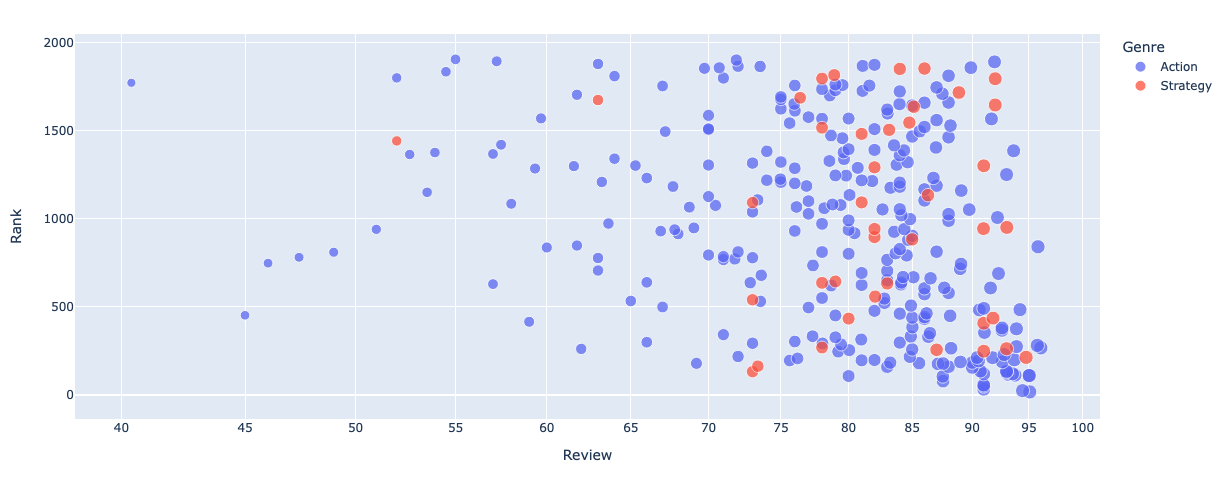
Besides analyzing data and handling databases, Python has powerful modules to create data visualizations. Today we will take a look at seaborn and bokeh, the latter providing interactive DataViz that could be embedded in Websites.
https://colab.research.google.com/drive/1Aowbvaa00ArhJPdFP7pqFzz1NafDj3U1?usp=sharing
-
-